The CARL Magazine Theme
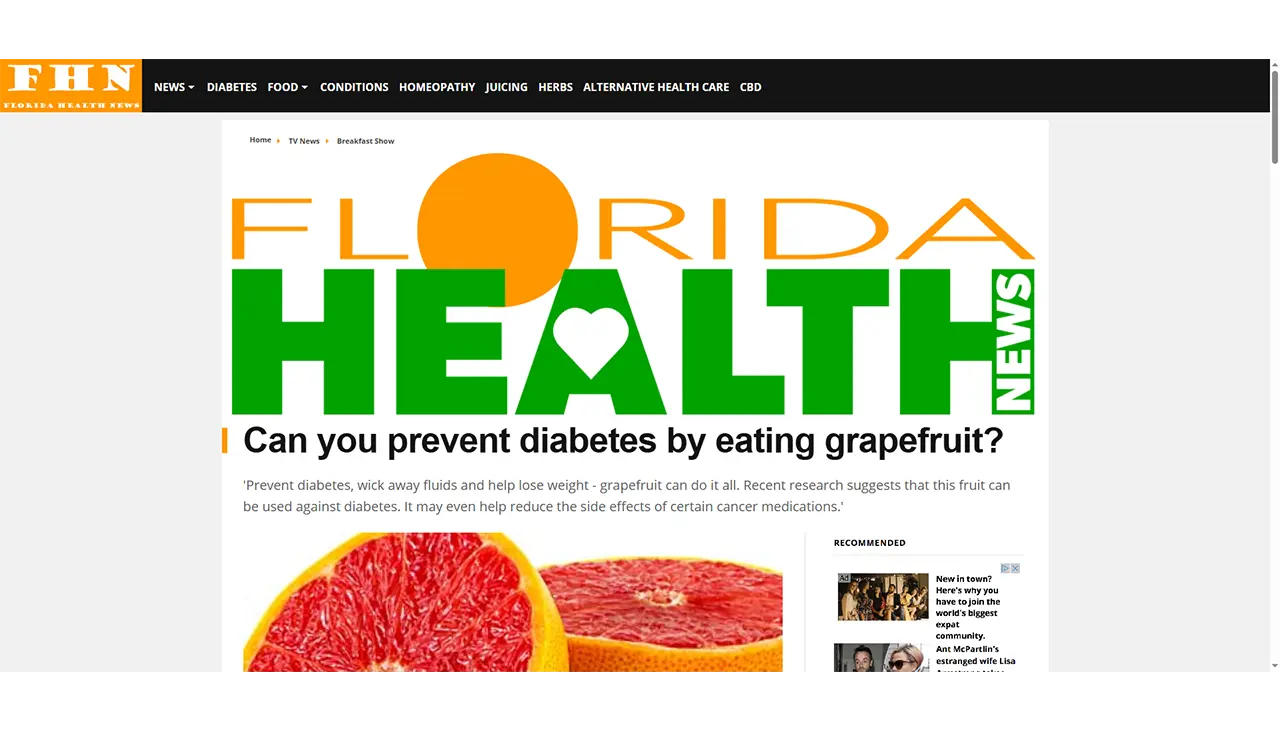
The Magazine Theme gives your CARL site a newspaper-style appearance: bold article headlines with a coloured accent bar, a structured sidebar with related posts, and a full-width banner header across the top of every page. It's designed for content publishers, affiliate sites, and anyone running a high-volume article site where speed and readability come first.
No External Dependencies
Unlike CARL's default Bootstrap templates, the Magazine Theme uses no external CSS framework. Every style is written natively and delivered as a single inline stylesheet. There are no CDN requests, no render-blocking external CSS files, and no dependency on any third-party service. Everything the theme needs is contained in the theme package itself.
Page Layouts
The Magazine Theme includes three layouts covering every standard page type in CARL. The blog layout is the standard article view: a large headline, a featured image, the article body, and a related posts sidebar on the right. A mid-article call-to-action slot is included for internal linking or promotions.
The full-width layout removes the sidebar and stretches the content to the full column width, making it well suited for landing pages and long-form content. The category layout displays all published pages in a directory as a two-column card grid, with each card showing the title, description, thumbnail, and a continue reading link, populated automatically with no manual configuration required.
Navigation
The desktop navigation is a full horizontal bar with support for drop-down menus. On smaller screens, it collapses to a hamburger icon. Tapping it slides in a full-screen navigation panel from the left, with all links clearly listed. The mobile panel is built by cloning the desktop nav in JavaScript, so there's only one nav to maintain, and the mobile view always stays in sync with the desktop version.
Performance
The Magazine Theme is built to score well on Google PageSpeed. All images reserve their space before loading, which eliminates layout shift during page load. The site header banner is preloaded so it's in the browser cache before the page layout requests it. There are no render-blocking external resources. On standard shared cPanel hosting, the blog layout scores 92 for performance and 100 for best practices on mobile. The full-width layout scores 99 for performance. Cumulative Layout Shift is 0 on both.
Setting Up Your Header Image
The Magazine Theme displays a full-width banner image at the top of every page. Upload your header image to your site's /images/ folder via cPanel File Manager or FTP. The image displays at a 3:1 aspect ratio, so a width of 1200px or wider is recommended. The WebP format delivers the best performance, though JPEG and PNG are also supported. Once uploaded, open site_header.txt in Include Files in your CARL admin and update the image filename to match the file you uploaded. Save and regenerate to apply the change.
Customizing the Navigation
The Magazine Theme navigation is controlled by your nav_include.txt include file, the same as all other CARL templates. Edit it in the Include Files in your admin panel. Because the nav is a PHP include rather than baked into each generated page, changes take effect immediately across your entire site without needing to regenerate. For a full walkthrough of working with include files, see How to manage include files in CARL.
Installing the Magazine Theme
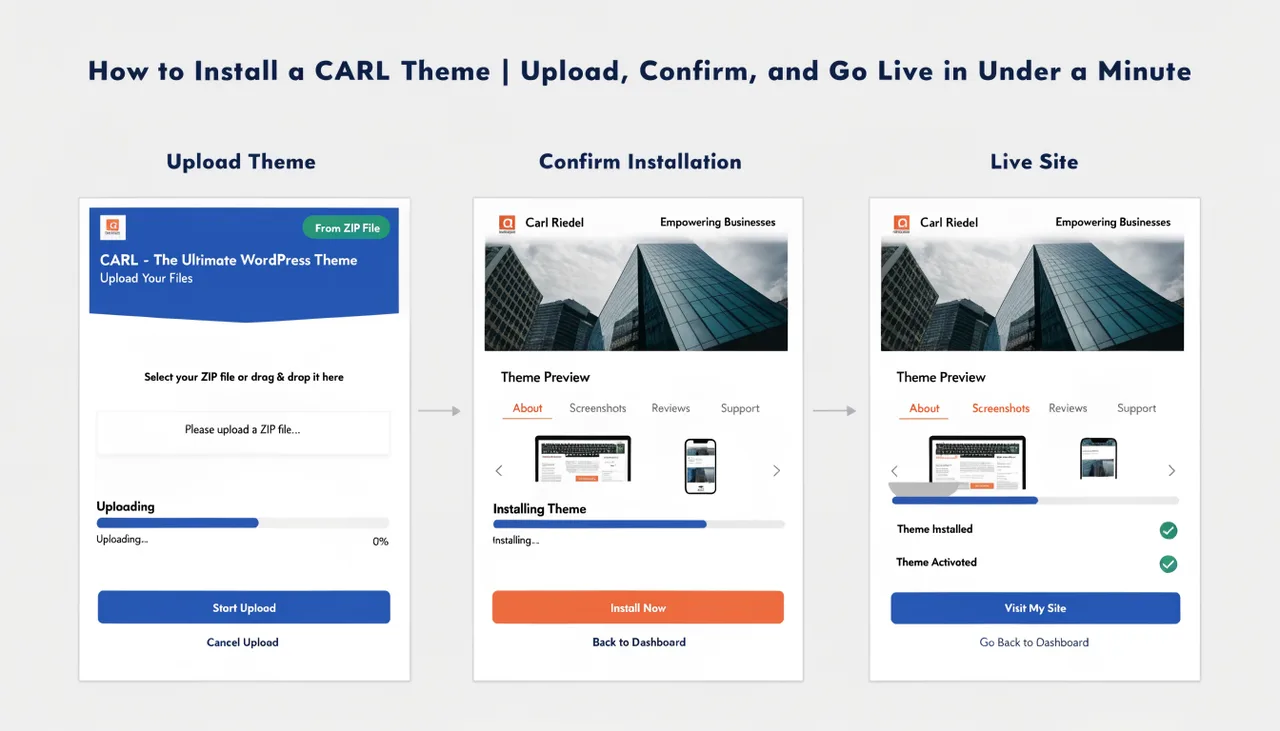
Install the Magazine Theme the same way as any CARL theme. Go to Themes in the admin sidebar, upload magazine.carltheme, review the confirmation screen, click Install Theme, then regenerate all pages. For the full step-by-step process, see How to install a CARL theme.