How to Build a CARL Theme
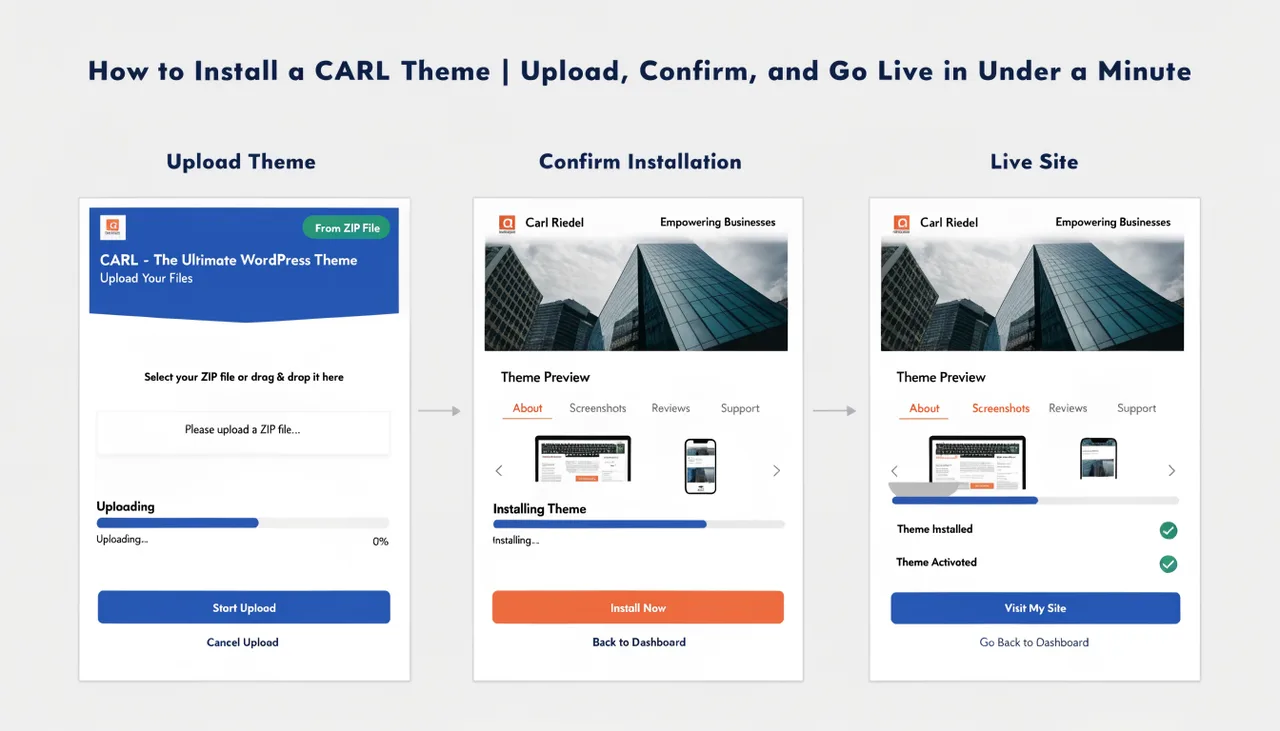
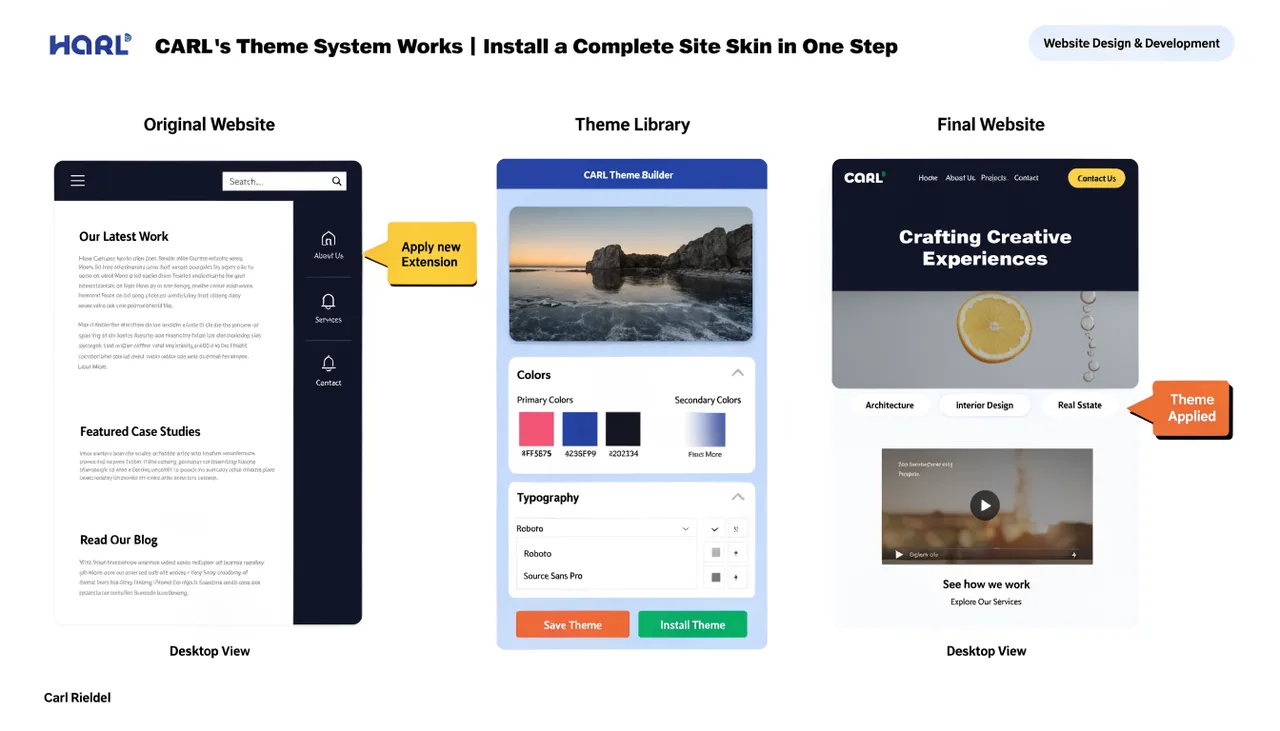
A CARL theme is a zip archive renamed with a .carltheme extension. It contains three-page template files, a set of site include files, and a theme.json manifest. Build those components, run the package script, and you have a distributable theme file anyone can install on their CARL site in one step.
The Package Structure
A valid .carltheme package must follow this directory structure inside the zip:
mytheme/
  theme.json
  tpl/
    blog.tpl
    full-width.tpl
    category.tpl
  includes/
    css_include.txt
    nav_include.txt
    footer_include.txt
    footer_scripts.txt
    site_header.txt
    header_scripts.txt
    hub_render.txt
    recent_posts.txt
    sidebar_include.txt
    special_cta_include.txt
  assets/              (optional — images, fonts)
The top-level folder name doesn't matter. CARL locates theme.json automatically wherever it appears inside the zip. The tpl/ folder deploys to admin/tpl/ on the server. The includes/ folder deploys to site_includes/. The optional assets/ folder deploys to a web-accessible path at /assets/themes/{slug}/.
The theme.json Manifest
Every theme package requires a theme.json file that tells the installer what to do with the package contents:
{
  "name":          "My Theme",
  "slug":          "my-theme",
  "version":       "1.0",
  "description":   "A short description shown on the install confirmation screen.",
  "author":        "Your Name",
  "requires_carl": "1.0",
  "templates": {
    "blog":        "tpl/blog.tpl",
    "full-width":  "tpl/full-width.tpl",
    "category":    "tpl/category.tpl"
  },
  "includes": [
    "css_include.txt",
    "nav_include.txt",
    "footer_include.txt",
    "footer_scripts.txt",
    "site_header.txt",
    "header_scripts.txt",
    "hub_render.txt",
    "recent_posts.txt",
    "sidebar_include.txt",
    "special_cta_include.txt"
  ]
}
The slug field must be lowercase letters, numbers, and hyphens only. It's used to construct the template slugs stored in the database (for example, my-theme-blog) and the assets path on the server. The three template role names — blog, full-width, and category — are fixed. CARL uses them to remap existing pages to the new theme's layouts during install.
Building the Template Files
Each template file is a complete HTML document with CARL tokens in place of dynamic content. The four tokens are {{TITLE}} for the page title, {{META}} for the meta tag block, {{HEAD_EXTRA}} for any additional head content, and {{BODY}} for the full page content. Never hardcode an H1 heading directly in a template file. CARL generates the H1 as part of {{BODY}} and writes it into the file at generation time.
Every template must include lang="en" on the html element for accessibility compliance. Your viewport meta tag and any preload directives belong in header_scripts.txt rather than hardcoded in the template, so they can be updated without rebuilding the template files. The feedback widget, if you want it on category pages, is included via admin/modules/feedback/display.php.
The Include Files
All ten include files are required in the package. css_include.txt contains your entire stylesheet as an inline style block — putting CSS here rather than as an external file eliminates asset path problems when deploying the theme and removes any render-blocking external CSS request. nav_include.txt contains your site navigation HTML. footer_include.txt contains your footer. hub_render.txt contains the PHP that queries and outputs the article card grid on category pages. recent_posts.txt contains the PHP that powers the sidebar related posts widget. The remaining files handle scripts, the site header, the sidebar wrapper, and the mid-article CTA slot.
CSS and PageSpeed
Two CSS rules are essential for a zero Cumulative Layout Shift score. Content images need aspect-ratio and object-fit: cover declared so the browser reserves their space before they download. The site header banner image needs the same treatment. Without these, images cause layout jumps as they load and PageSpeed will penalize the score. Do not add transition: margin-top to the body rule — it causes measurable CLS on desktop.
For the H1 selector, use a descendant selector (.article-main h1) rather than a direct child selector. The H1 sits inside a content column div inside the article element, so a direct child selector won't reach it.
Packaging the Theme
Once all files are ready, create a folder named after your theme slug, place theme.json at the root, and add your tpl/ and includes/ subfolders with the correct files in each. Zip the folder, then rename the resulting zip file with the .carltheme extension. On Windows, a PowerShell script that copies and renames files into the correct structure and zips them in one command makes rebuilding fast and consistent whenever you update any source file.
Testing Before Distribution
Test every theme on a local or staging CARL install before distributing it. Verify the blog, full-width, and category templates all render correctly. Check the hamburger menu opens and closes on mobile. Run PageSpeed Insights on all three templates and confirm CLS is 0. Verify theme.json parses correctly, all ten include files are present, all three template files are in tpl/, and the install completes without errors on a clean test site with pages remapping correctly after install.