How CARL's Theme System Works
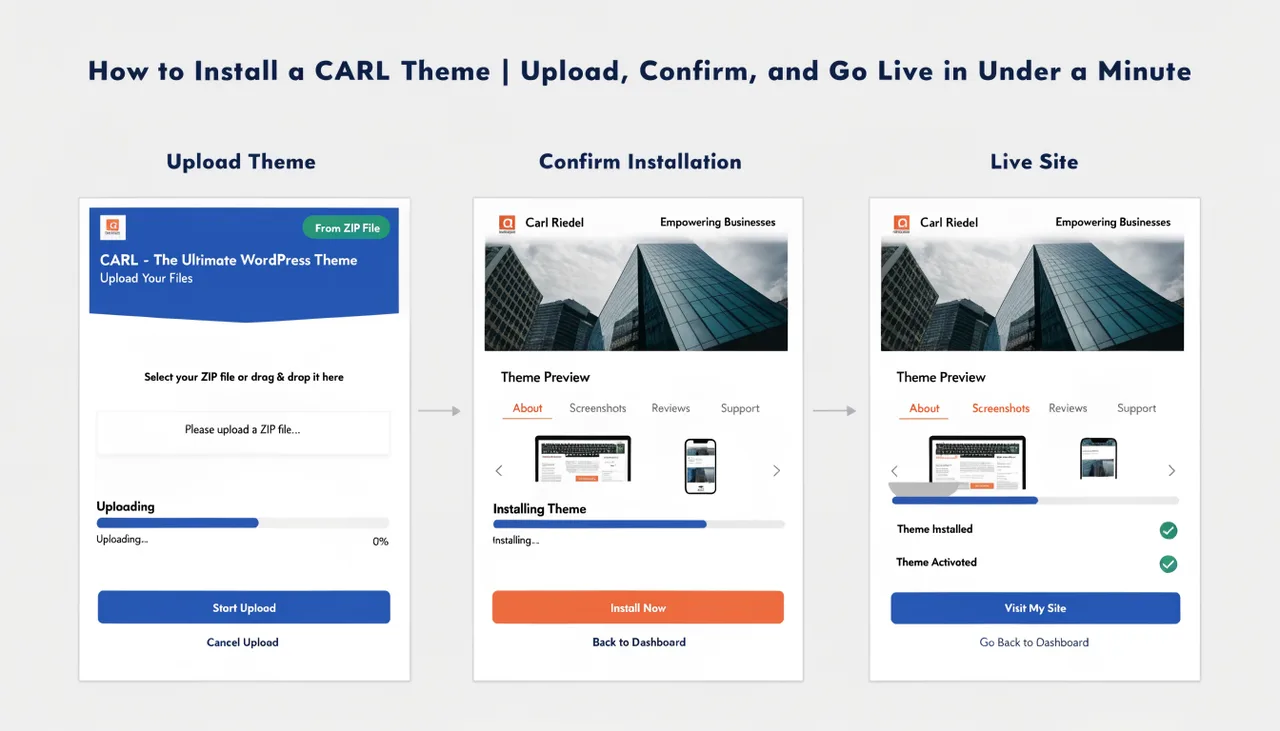
CARL's theme system lets you change the entire look and structure of your site in a single operation. Upload a .carltheme file, confirm the install, and CARL replaces your templates, stylesheets, navigation, footer, and all site-wide include files at once. Every page on your site automatically switches to the new theme. No manual reassignment, no page-by-page updates.
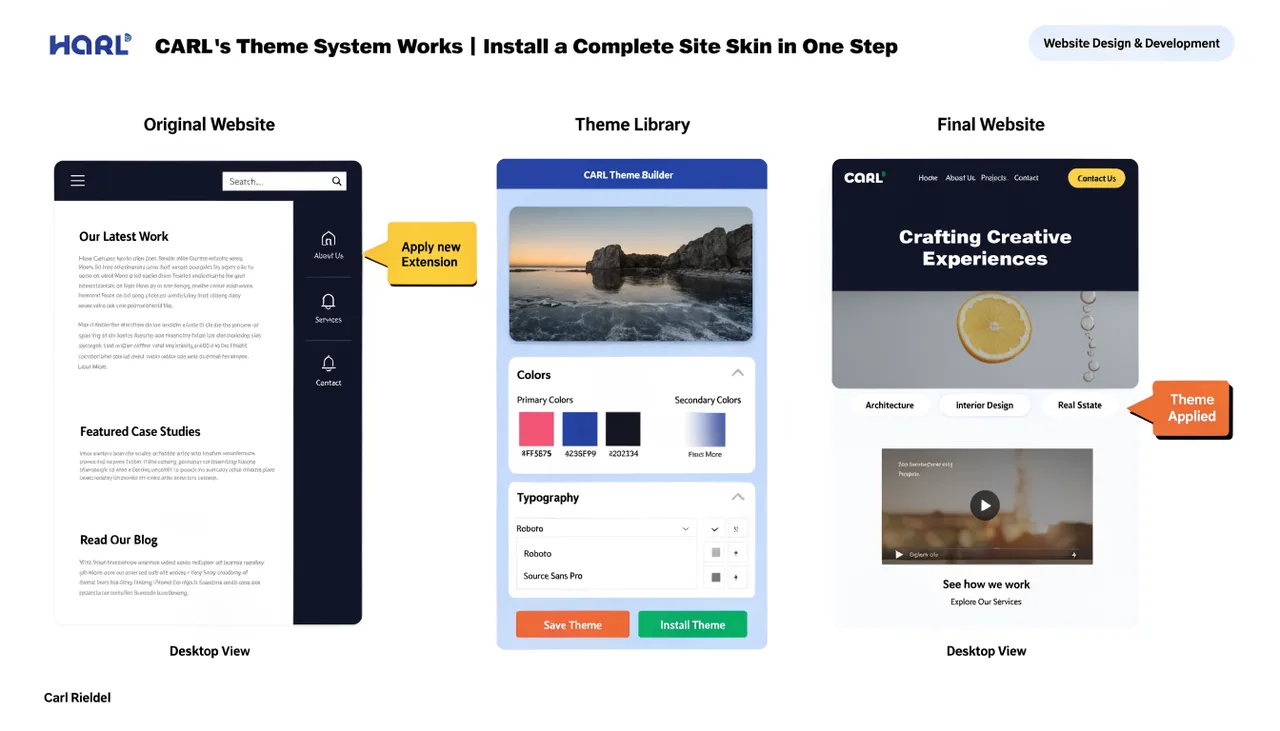
What a Theme Is
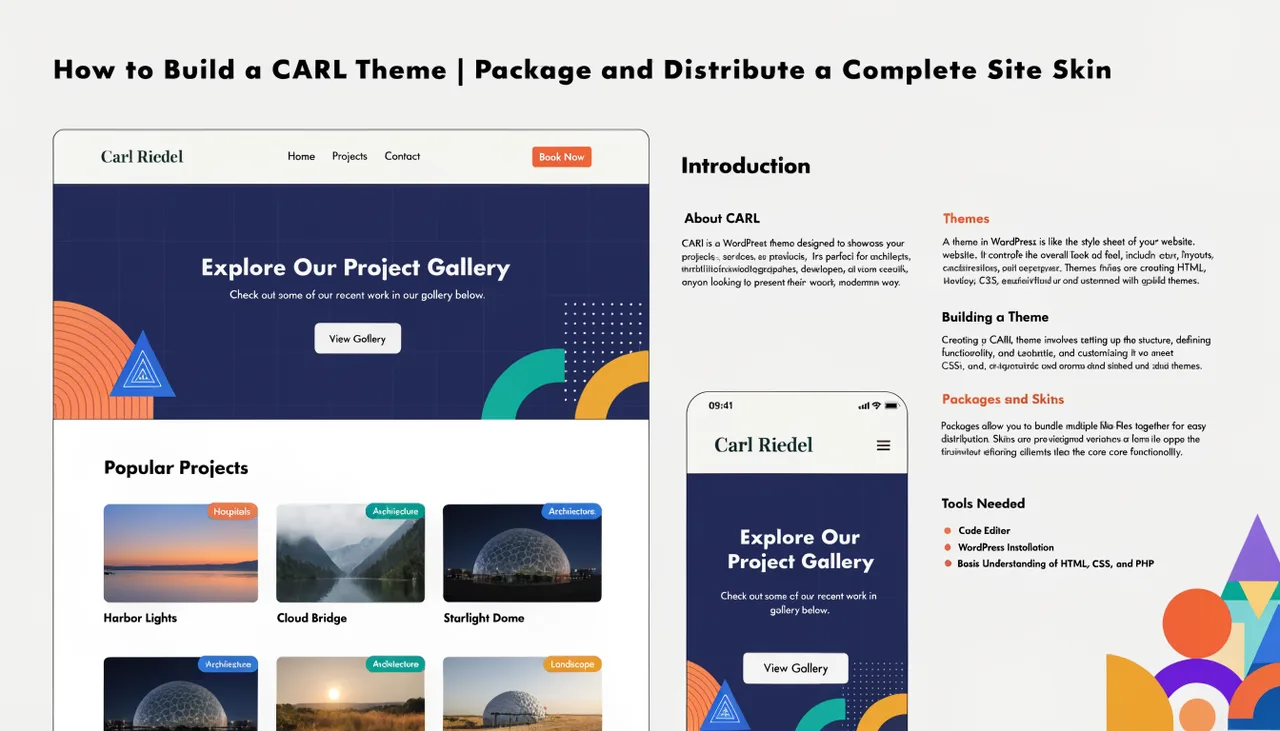
A CARL theme is a complete site skin packaged as a single .carltheme file. Under the hood, it's a zip archive containing everything your site needs to look and function as designed: page layout templates, all CSS, navigation structure, footer, sidebar widgets, hub card grid, and the full set of include files that wire the layout together.
One file delivers the entire package.
CARL runs one active theme at a time across your entire site. Installing a new theme replaces the current one everywhere. There's no way to run different themes on different sections, but you can use different page types within a theme — for example, a blog layout for articles and a full-width layout for landing pages — to get the variation you need.
What Gets Installed
When you install a theme, CARL writes new versions of your template files and all site include files to your server. This covers your page layouts, stylesheet, navigation, footer, sidebar, hub card grid renderer, and header and footer scripts. Everything that controls how your site looks and is structured gets replaced in one pass.
Your page content is never touched. All your titles, meta descriptions, body copy, images, and settings remain exactly as they are. Themes control how pages look, not what's in them.
Automatic Backup Before Every Install
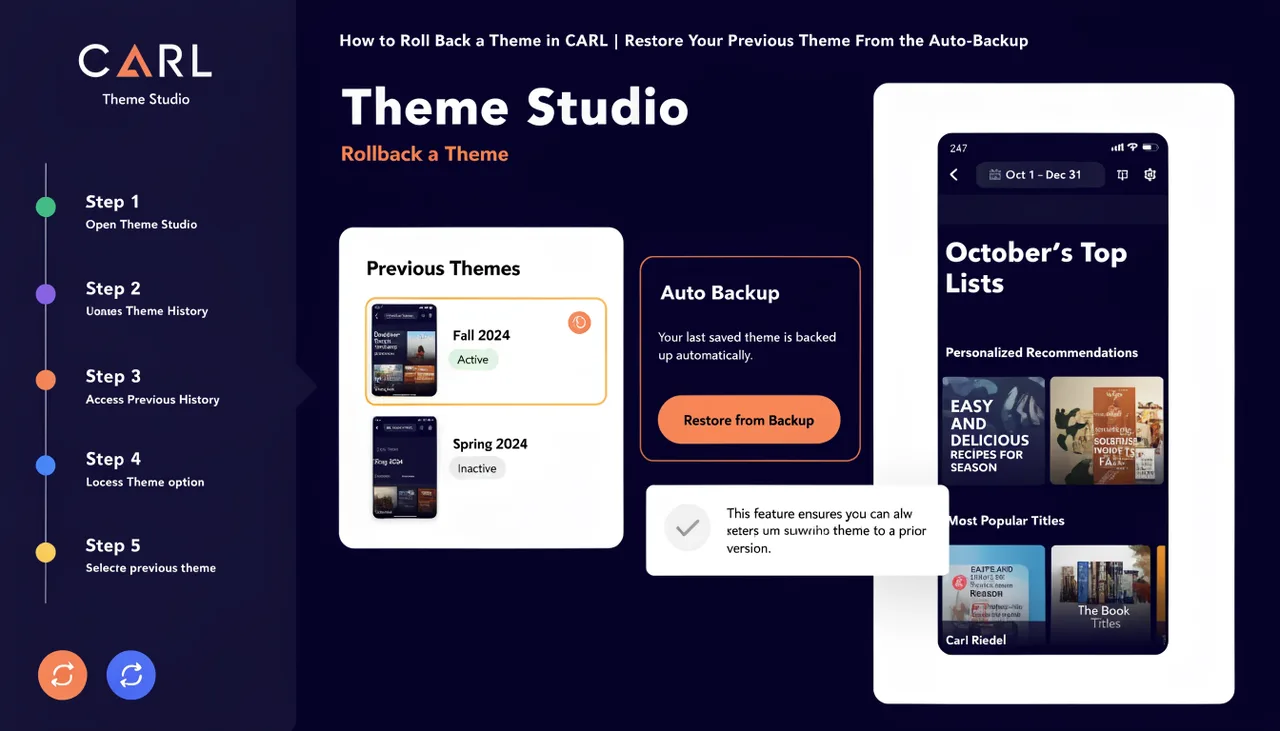
Before overwriting anything, CARL saves a timestamped copy of your current template files and include files to a backup folder on your server. If you install a theme and want to revert, the files you need are still there. For the full rollback process, see How to roll back a theme in CARL.
Pages Remap Automatically
CARL tracks which template type each page uses: blog layout, full-width layout, or category layout. When a new theme is installed, CARL automatically updates every page's template assignment to the new theme's equivalent layout. A page that was using the old blog layout switches to the new theme's blog layout without you having to touch it. The remapping happens as part of the install process.
Regeneration Completes the Switch
Installing a theme updates your template and includes files on the server, but your published pages are static files that were already written to disk under the previous theme. They continue serving visitors unchanged until you regenerate. After installing, go to Pages and run a bulk regenerate to rewrite every published page using the new theme. That's when the change becomes visible to your site visitors.