
Themes - Install, Build, and Distribute Complete Site Skins
CARL's theme system lets you replace the entire look and structure of your site in a single operation. Install a pre-built theme from a .carltheme file, or build your own from scratch and package it for distribution. Every template, stylesheet, navigation file, and site-wide include is delivered in a single package and deployed in a single step.
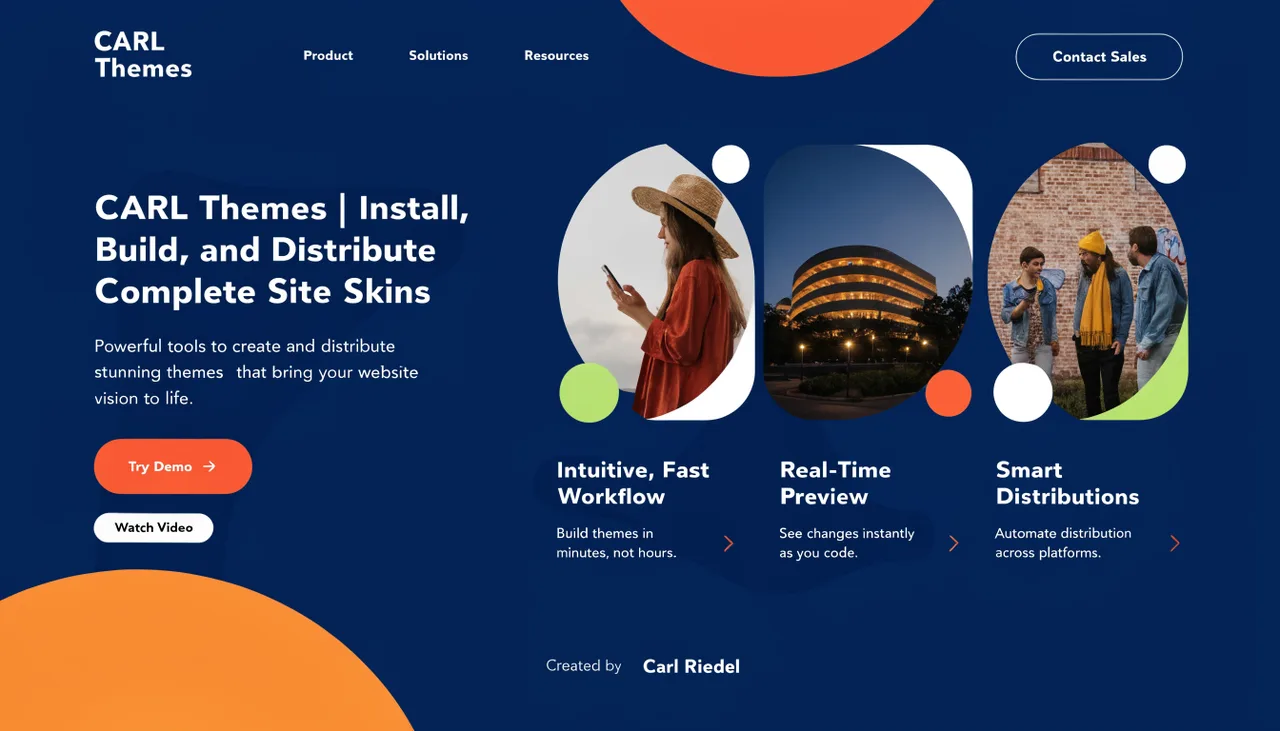
How to Build a CARL Theme | Package and Distribute a Complete Site Skin | Carl Riedel
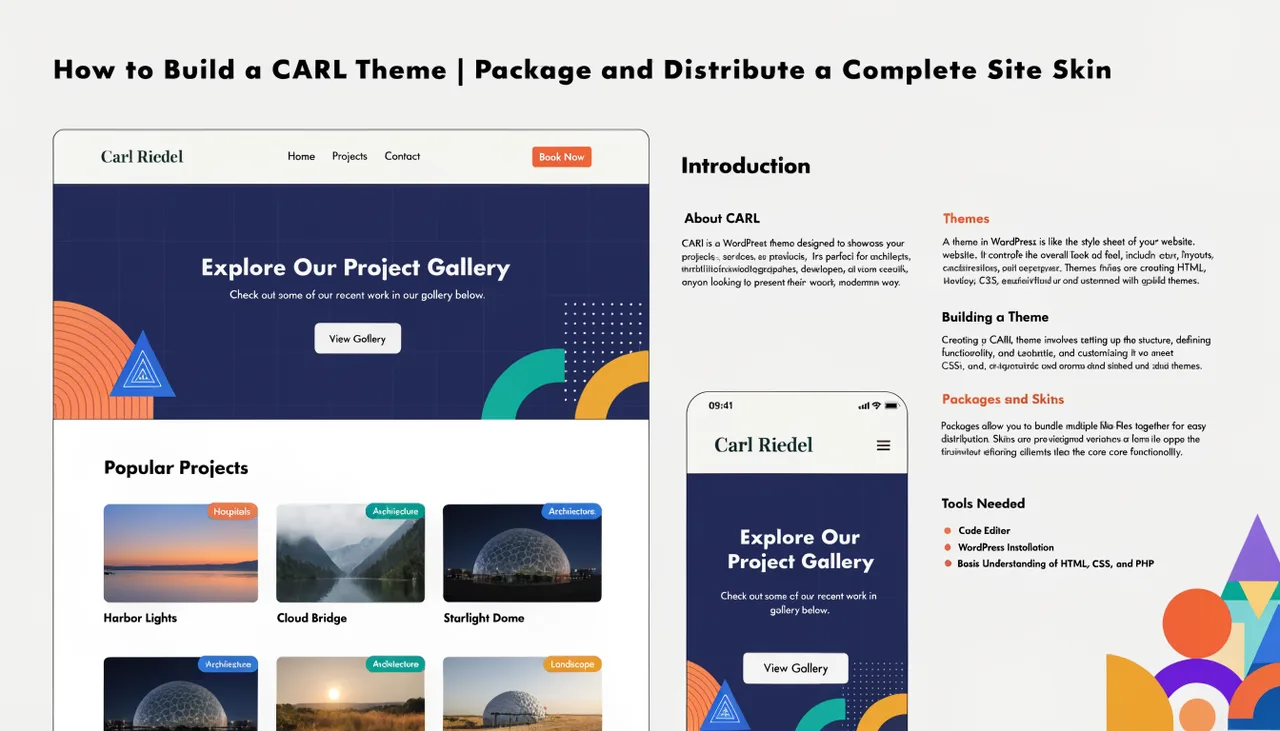
Create and package custom CARL themes with this complete technical guide. Build professional site skins using theme.json manifests, template files, and includes that install in one step.
Continue readingThe CARL Magazine Theme | Newspaper-Style Layout With No External Dependencies | Carl Riedel
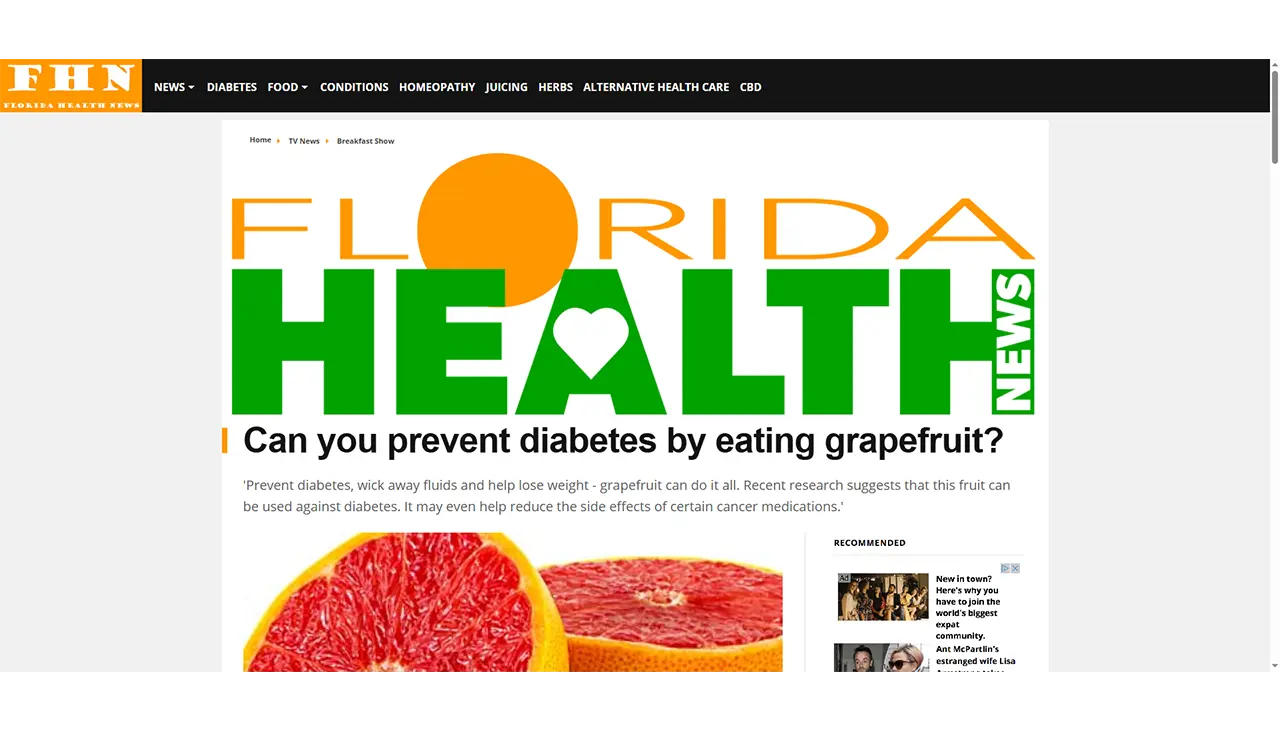
CARL Magazine Theme delivers newspaper-style layouts with zero external dependencies. Built for speed with 99 PageSpeed scores, featuring full-width banners, sidebar layouts, and mobile-first navigation.
Continue readingHow to Roll Back a Theme in CARL | Restore Your Previous Theme From the Auto-Backup | Carl Riedel
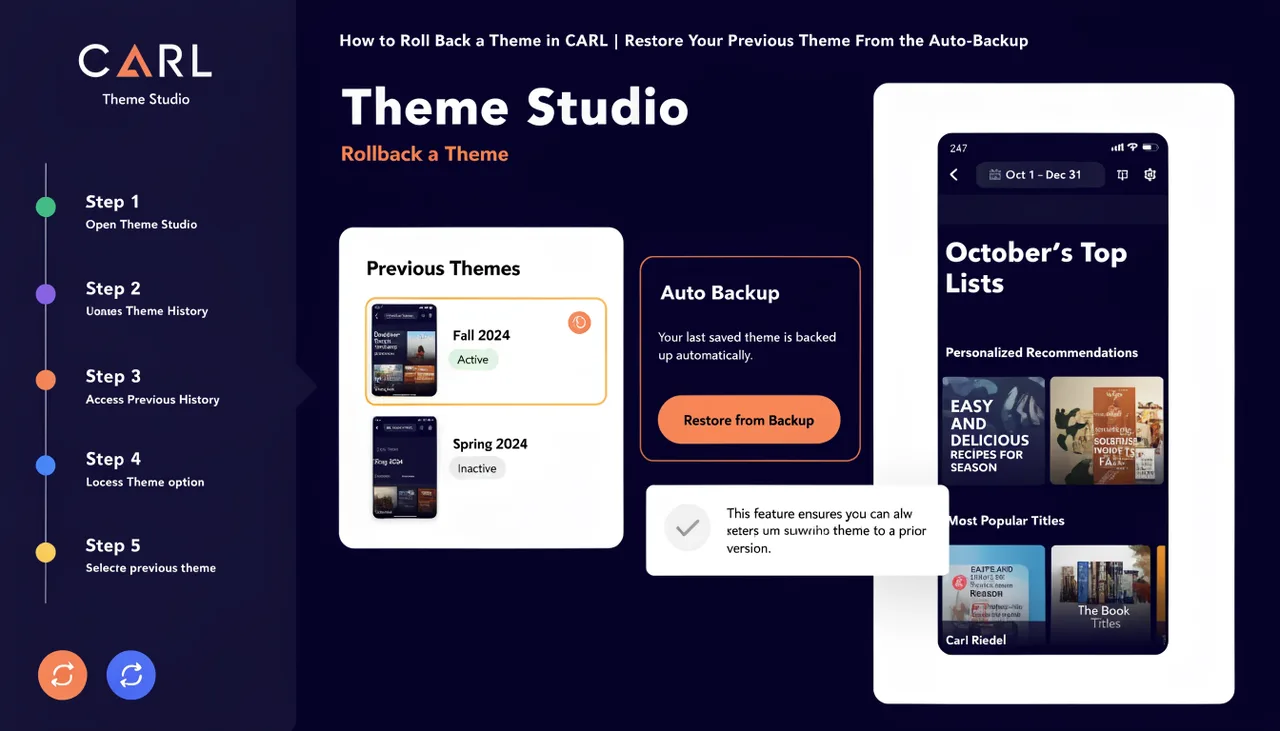
Step-by-step guide to rolling back a CARL theme using auto-generated backups. Restore your previous theme files from timestamped backup folders via cPanel or FTP in minutes.
Continue readingHow to Install a CARL Theme | Upload, Confirm, and Go Live in Under a Minute | Carl Riedel
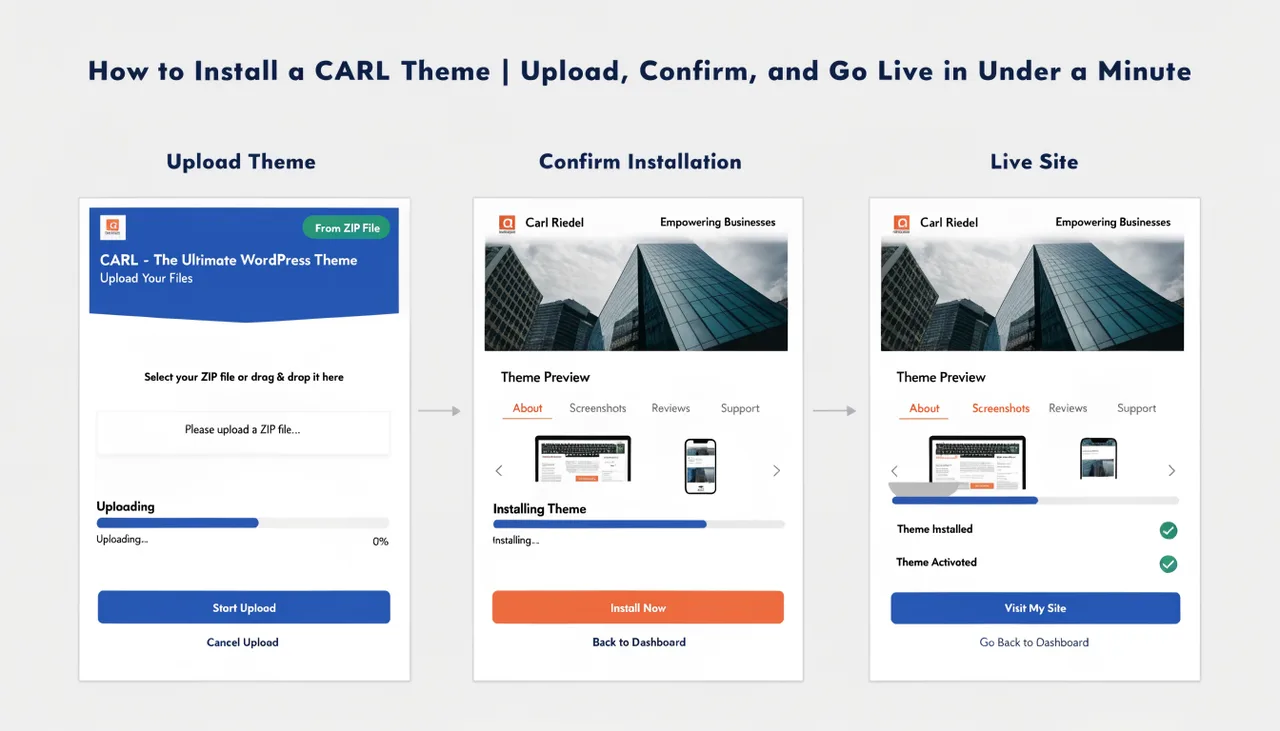
Install a CARL theme in under a minute with this step-by-step guide. Upload your .carltheme file, confirm installation, and regenerate pages to go live instantly.
Continue readingHow CARL's Theme System Works | Install a Complete Site Skin in One Step | Carl Riedel
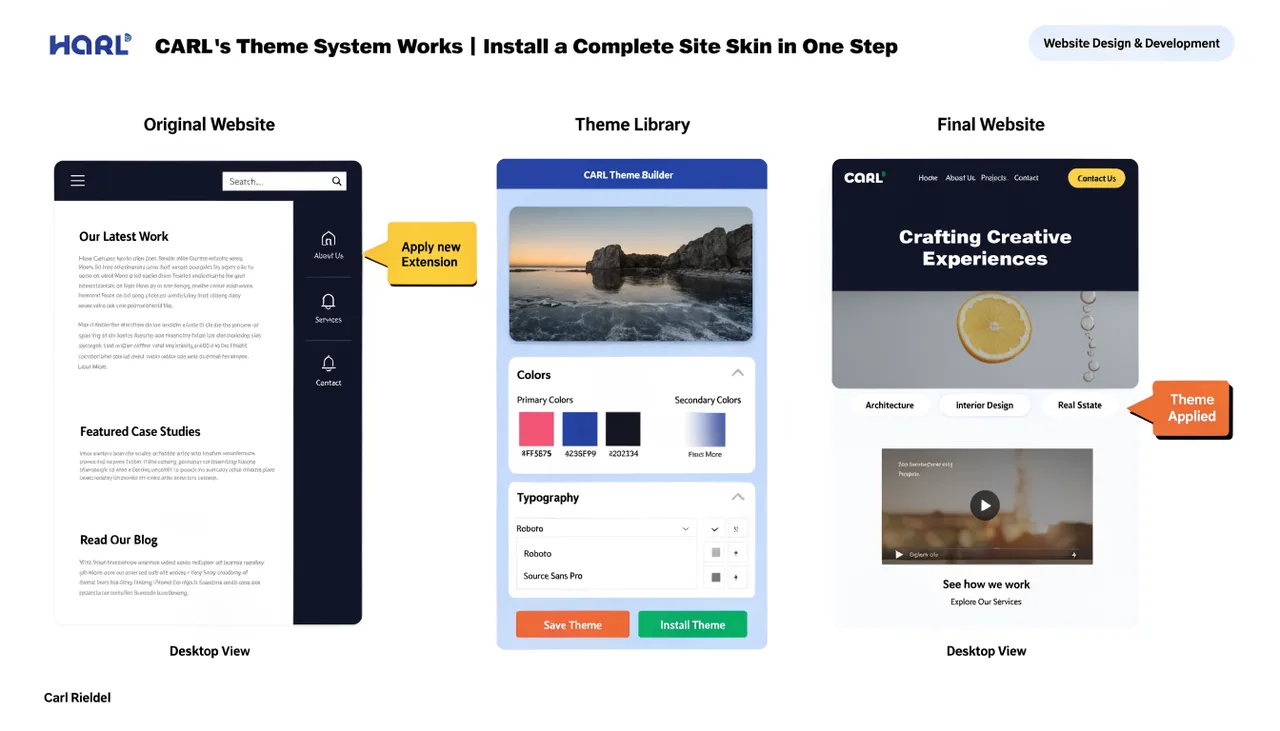
CARL's theme system transforms your entire site instantly with a single .carltheme file upload. Replace templates, CSS, navigation, and layouts across all pages in one operation with automatic backup protection.
Continue reading