How to Secure Your CARL Include Files
Include files that display content only are low risk. Include files that accept user input, handle file uploads, or make database calls that carry real attack surface. The rules for securing them are the same rules that apply to any PHP form on any server: validate everything that comes in, sanitize everything that goes out, and never trust user-supplied data.
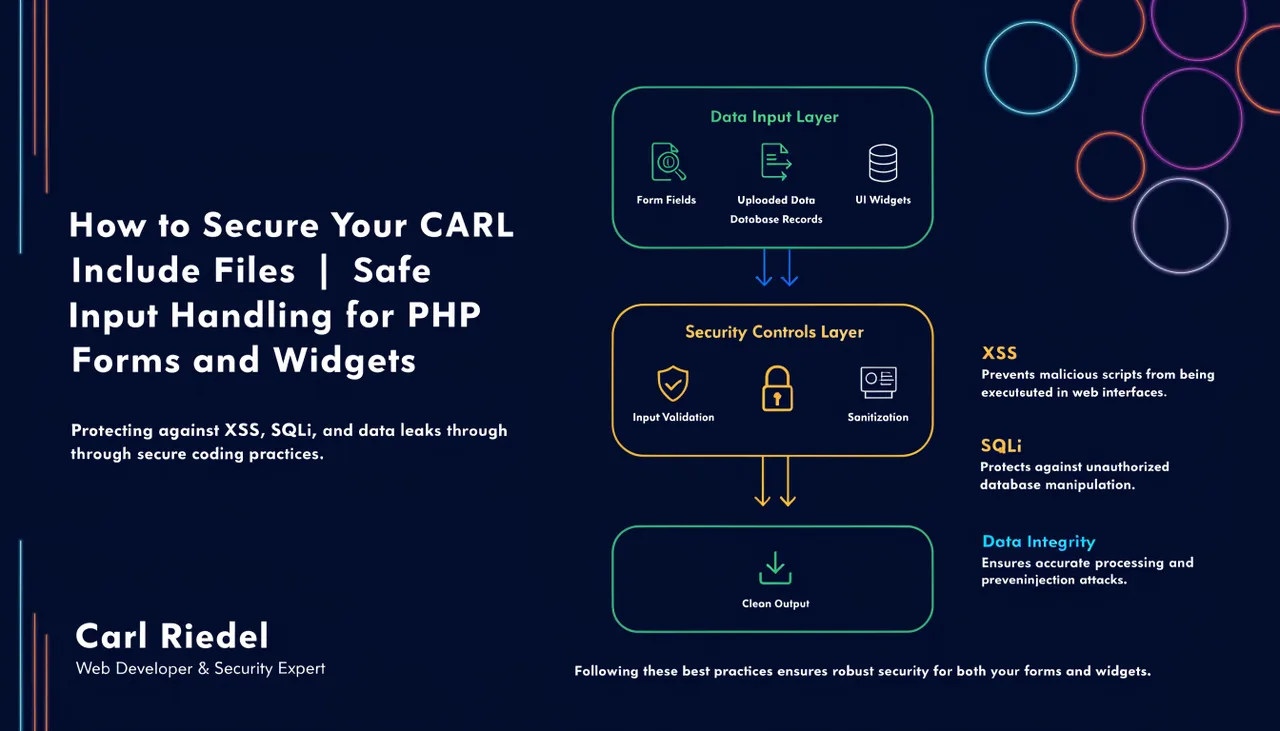
Sanitize All Output
Any user-supplied value that gets displayed back on a page must be sanitized before output. Use PHP's htmlspecialchars() on any value you echo back to the browser. This prevents cross-site scripting (XSS) attacks, in which malicious JavaScript is injected through a form field and executed in a visitor's browser. It's a one-line fix that applies to every field: names, emails, addresses, notes, anything a user typed.
Validate All Input Server-Side
Client-side validation in JavaScript improves the user experience but provides zero security. Any attacker can bypass it by submitting a request directly to your processor. Validate every field in PHP on the server before doing anything with the data. Check that required fields are present, that email addresses match the expected format, that ZIP codes are numeric and the right length, and that date fields contain valid dates. Reject anything that doesn't pass.
File Upload Security
File uploads are the highest-risk element in most include files. Validate the MIME type of every uploaded file server-side, not just the extension. Check file size against a maximum before processing. Store uploaded files outside public_html if they don't need to be publicly accessible, or in a dedicated uploads directory with an .htaccess file that prevents PHP execution inside it. Never trust the filename supplied by the user: generate your own filename on the server when saving the file.
CSRF Protection on Forms
Any form that performs an action, such as submitting a lead, processing a request, or writing to a database, should include a CSRF token. Generate a random token when the form page loads, store it in the session, include it as a hidden field in the form, and verify it matches on submission before processing anything. This prevents cross-site request forgery attacks, in which a malicious third-party site tricks a visitor's browser into submitting your form without the visitor's knowledge. CARL's own admin forms use this pattern throughout.
Honeypot Fields for Spam
For public-facing forms that don't require a login, a honeypot field is a simple and effective spam deterrent. Add a hidden form field that legitimate visitors will never fill in. If the field contains any value upon submission, silently discard the request. Bots that fill in every field get rejected without any friction for real visitors. This is lighter than a CAPTCHA and effective against most automated spam submissions.
Performance: Keep Includes Lean
Include files that run on every page load should be as lightweight as possible. Avoid database queries in sidebar includes if you can cache the output instead. Avoid external API calls in any include that appears site-wide: a slow or unavailable API will slow down or break every page that includes it. Reserve heavy logic for page-specific includes where the impact is contained to a single page rather than your entire site.