How to Build a Custom Include File in CARL
Building a custom include file in CARL doesn't require programming experience. If you can write HTML, you can build an include file. If you need PHP logic in it, the same rules apply as any PHP file: write the code, test it, save it. The process from idea to deployment is straightforward.
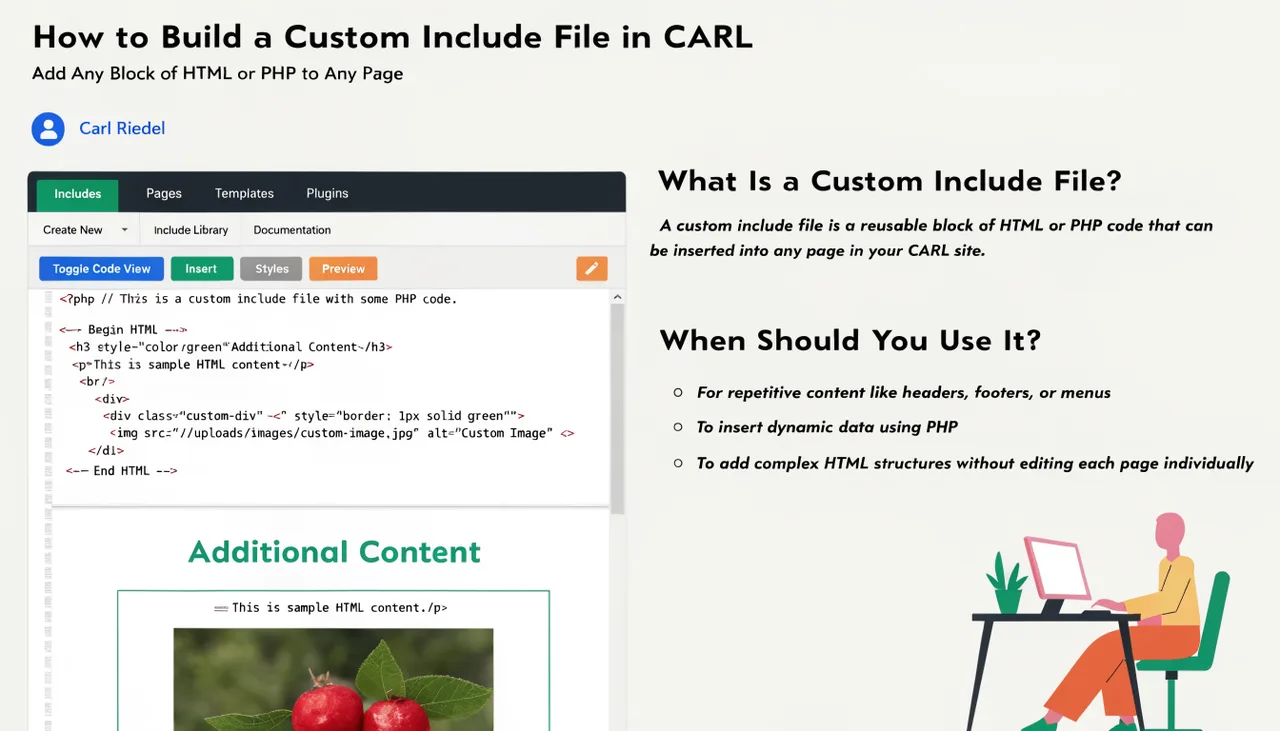
Step 1: Decide What the Include Will Do
Be clear about what the file will contain before you create it. A promotional banner is a simple HTML block. A contact form is HTML with a PHP processor handling the submission. A sidebar widget displaying recent posts is a PHP snippet that queries the database. The complexity of the include is determined entirely by what you need it to do, not by any CARL requirement.
Step 2: Create the File
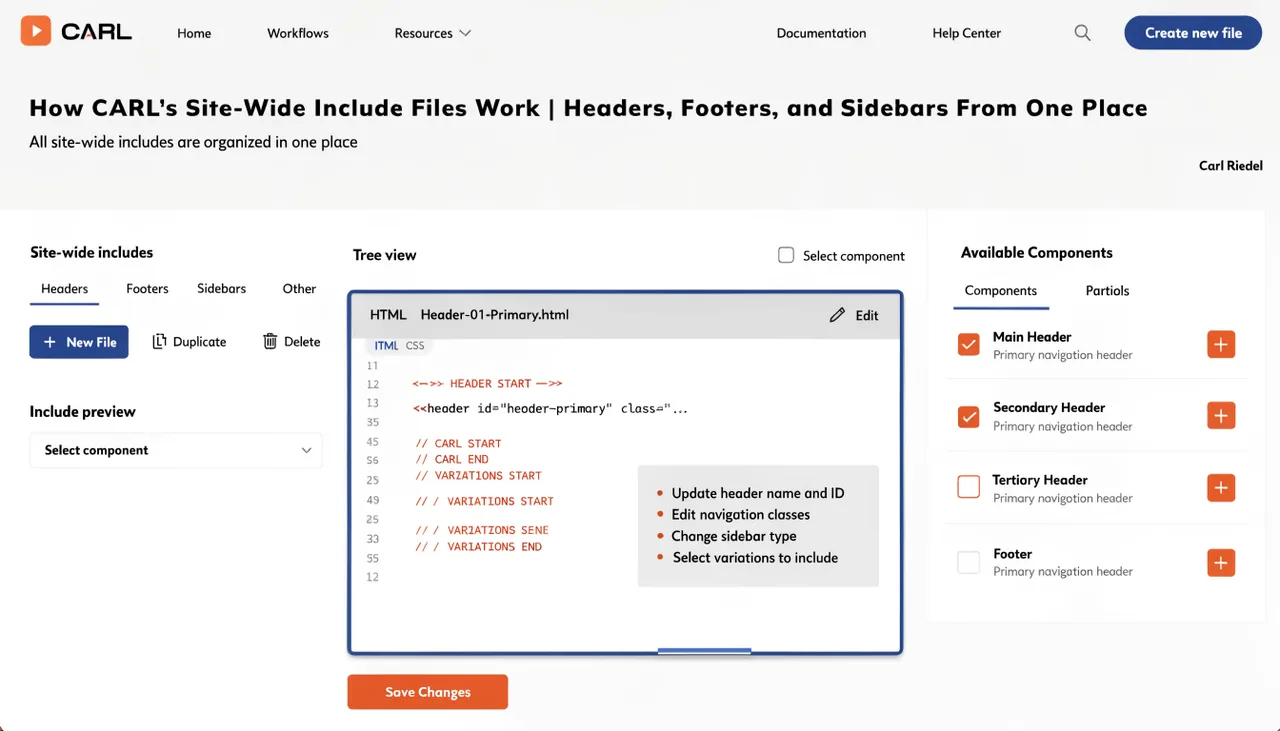
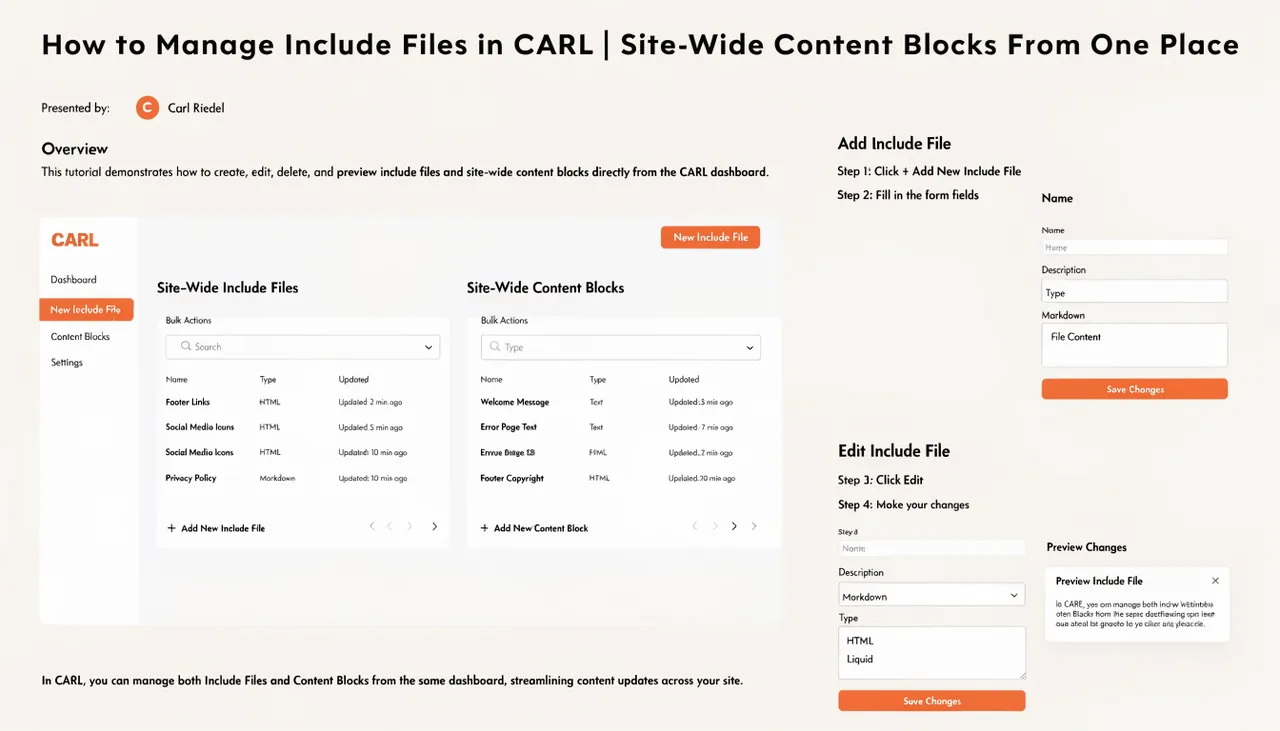
In the CARL admin panel, go to Include Files and create a new file. Give it a descriptive name that makes its purpose clear: promo_banner.txt, contact_widget.txt, booking_form.txt. The .txt extension is the convention CARL uses for include files, though the file can contain any valid HTML or PHP regardless of extension. Write your content in the editor and save.
Step 3: Place It on a Page
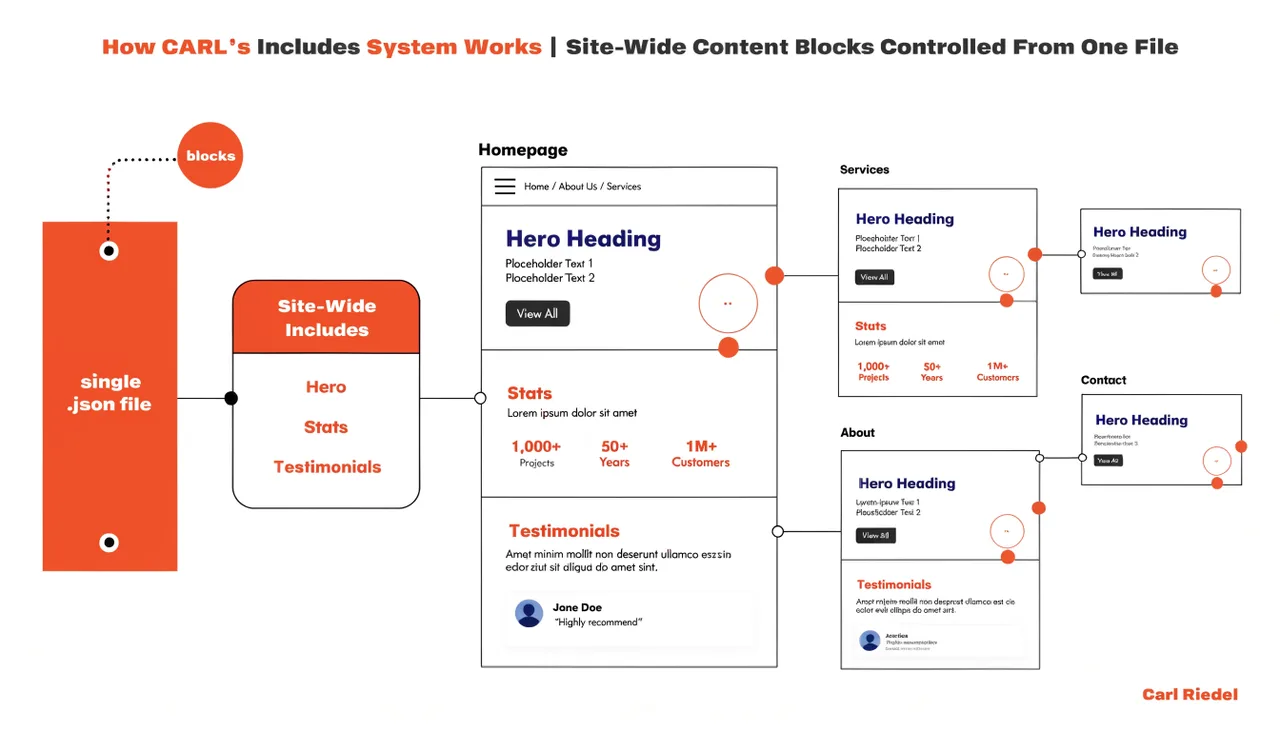
You have two ways to deploy a custom include file. The first is through a page's PHP Snippet field: add a standard PHP include call referencing the file, and it will appear at the bottom of that page's content area when generated. The second is through a template file: add the include call directly to the template, and every page that uses that template gets the include automatically. Use the PHP Snippet approach for page-specific includes and the template approach for includes that belong to a category of pages.
Step 4: Test Before Bulk Deploying
If you're adding the include to a template that affects many pages, test it on a single page first. Add the include call to one page's PHP Snippet field, generate that page, and check it in a browser. Confirm that the include renders correctly, that any PHP logic executes without errors, and that the layout looks right. Once you're satisfied, move the include call into the template and bulk-regenerate.
Updating the Include Later
One of the advantages of the include system is that updating is as simple as building. Open the file in Include Files, make your changes, save, and run a bulk regenerate. Every page that references the file gets the update. If the include is only on specific pages via their PHP Snippet fields, regenerate only those pages. Either way, you're editing one file regardless of how many pages it appears on.