How CARL's Site-Wide Include Files Work
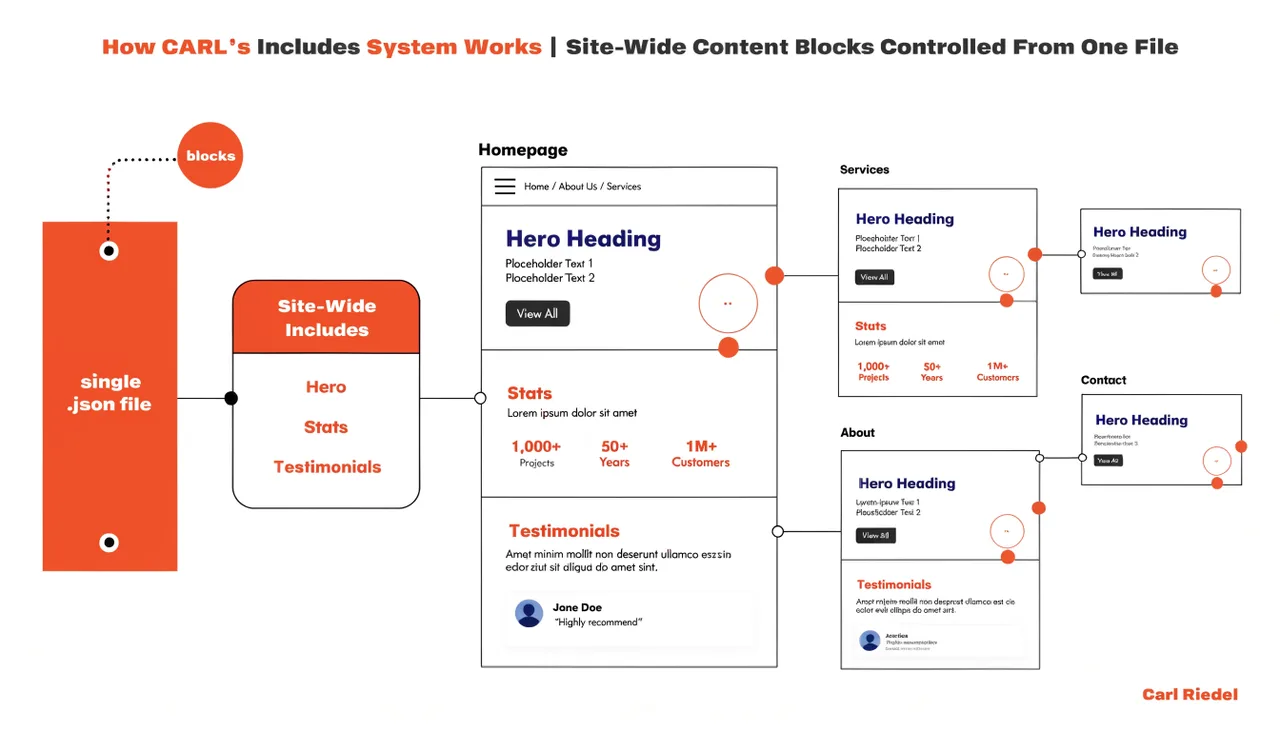
CARL ships with a set of standard include files that every page template references by default. These files control the site-wide elements that appear on every page: your header, navigation, footer, sidebar content, search bar, signup form, and social links. Each one is a separate file in your site_includes/ folder, and each one is yours to edit.
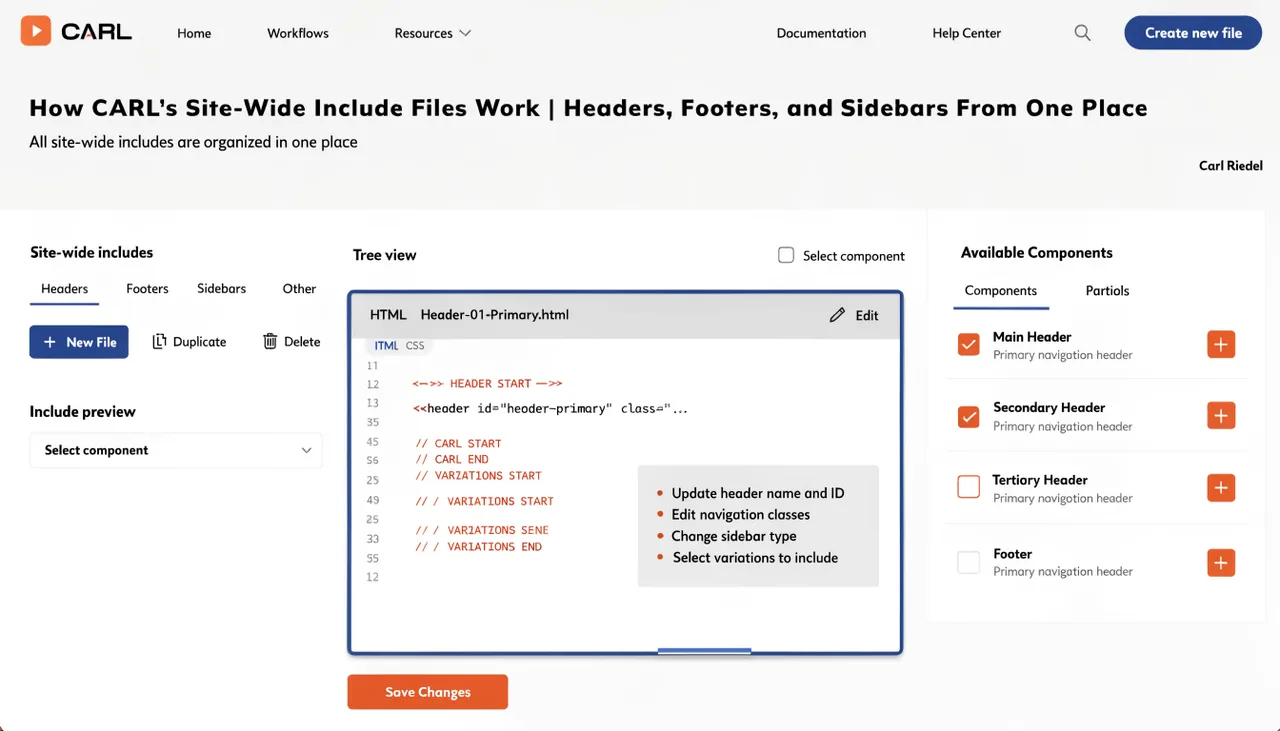
The Standard Include Files
CARL's default templates expect seven include files by name. site_header.txt contains your site header HTML. nav_include.txt contains your navigation menu. footer_include.txt contains your footer. search_bar.txt contains the site search widget. carl_signup_form.txt contains your email signup form. recent_posts.txt contains the recent posts sidebar widget. social_link_list.txt contains your social media links. These filenames are hardcoded into the template files, so the names must match exactly.
How They Get Into Your Pages
Each template file contains a PHP include call for each of these files, wrapped in a file existence check. If the file exists, its contents are included at that position in the page. If the file doesn't exist, that position is simply empty. This means you can choose which elements appear on your site by controlling which include files you create and populate. A template that references carl_signup_form.txt won't show a signup form until that file exists and contains form code.
Editing Site-Wide Elements
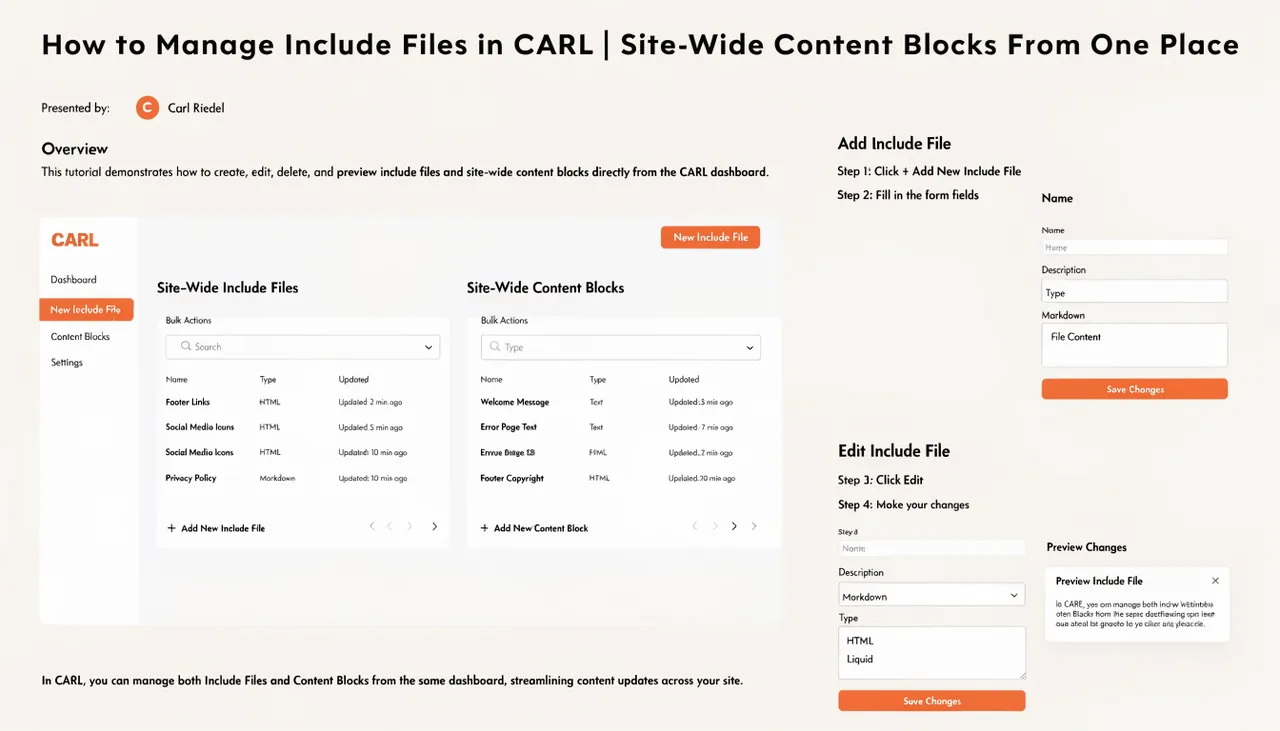
To change your navigation, open nav_include.txt in the Include Files manager, make your edits, save, and run a bulk regenerate. Every page on your site gets the updated navigation in a single pass. The same process applies to your footer, your header, your signup form, or any other standard include. There is no theme customizer, no menu management screen, no widget drag-and-drop interface. You edit the file and regenerate.
Customizing Per-Template
Different templates can reference different include files. If you have a landing page template that shouldn't show the sidebar or signup form, simply omit the include calls for those elements from that template. A blog template might show the full sidebar with recent posts and social links. A sales page template might show nothing but the header and footer. Each template decides independently which includes it pulls in, giving you precise control over what appears on each type of page.
Header Scripts and CSS
Two additional include files sit outside the visible layout: header_scripts.txt and site_css.txt. These are injected into the section of every page. header_scripts.txt is where your Google Analytics tag, custom fonts, or any other third-party head code lives. site_css.txt is where you add custom CSS that applies across your entire site. Update either file and bulk regenerate to push the changes everywhere.