
CARL Wiki - Complete Documentation for Every Feature
Everything you need to understand, configure, and get the most out of CARL is documented here. Each cluster covers a specific area of the system in depth, from installation and page management through to membership, analytics, and the includes system.
If you're new to CARL, start with Installation to get your site running, then work through Architecture to understand how the system works under the hood. From there, the clusters below cover every feature in the order you're likely to need them.
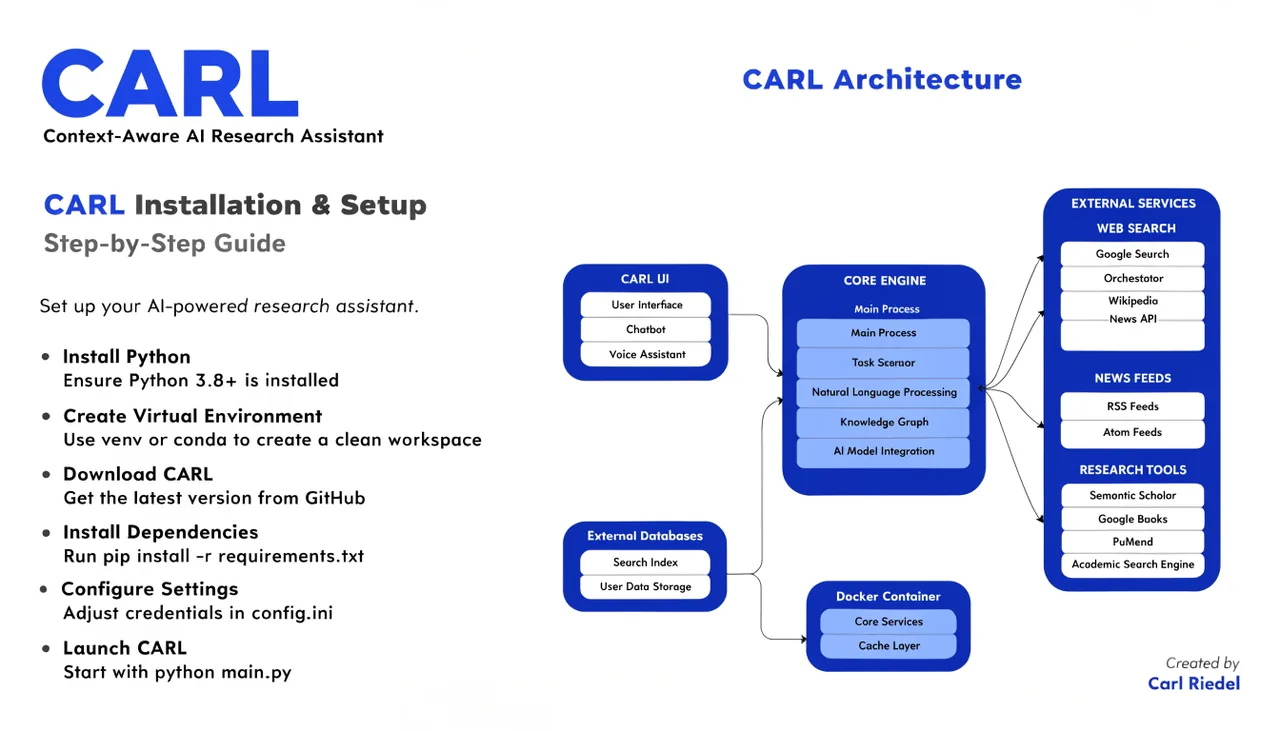
Installation
Everything you need to get CARL running on your hosting account, configure your settings, and set up site search and AI schema generation.
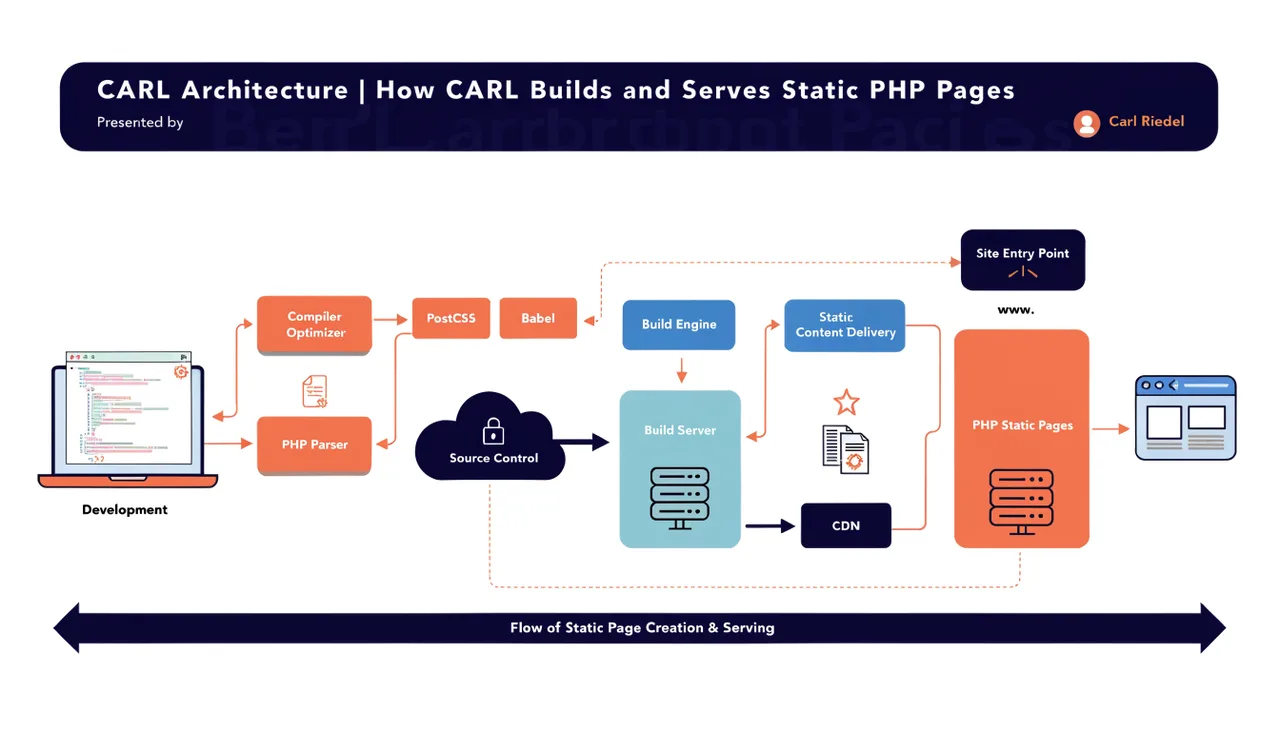
Architecture
How CARL builds and serves static PHP pages with no database queries on live requests, and what that means for speed, security, and ownership.
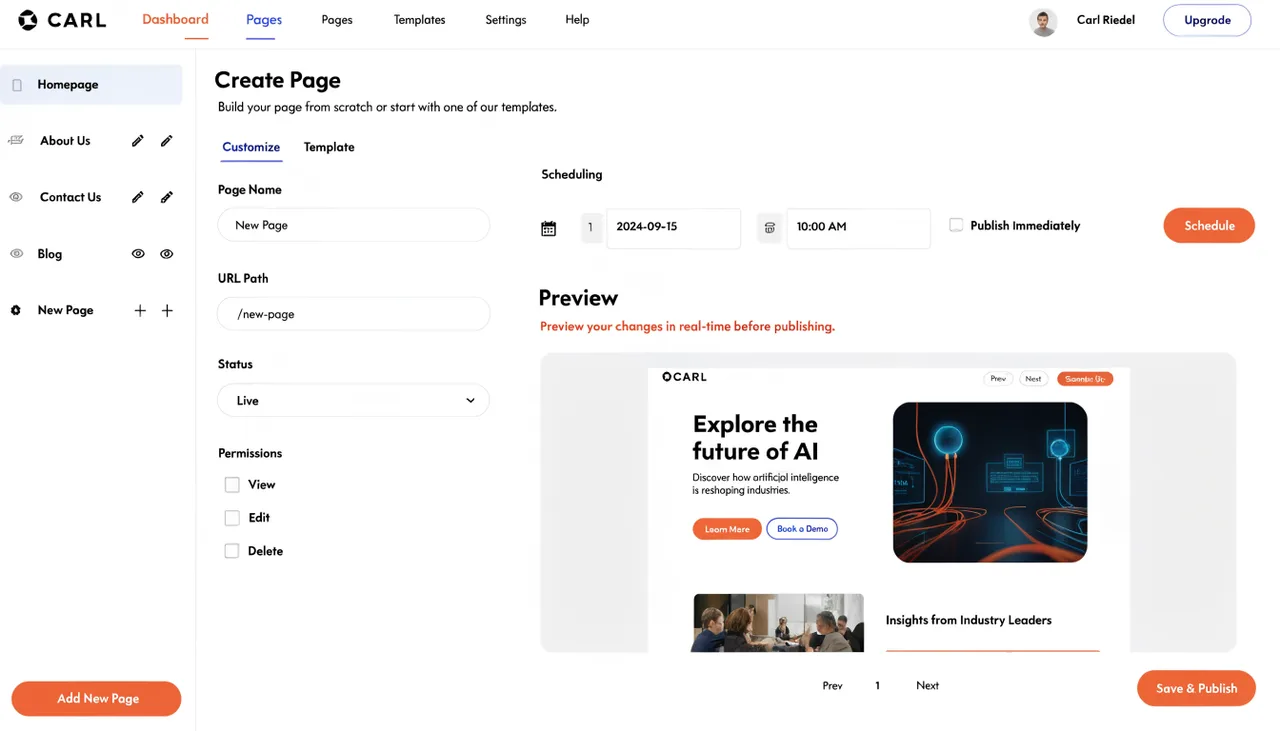
Page Management
Create, schedule, and publish pages on your server. Covers templates, slugs, bulk regeneration, the PHP Snippet field, and the preview system.
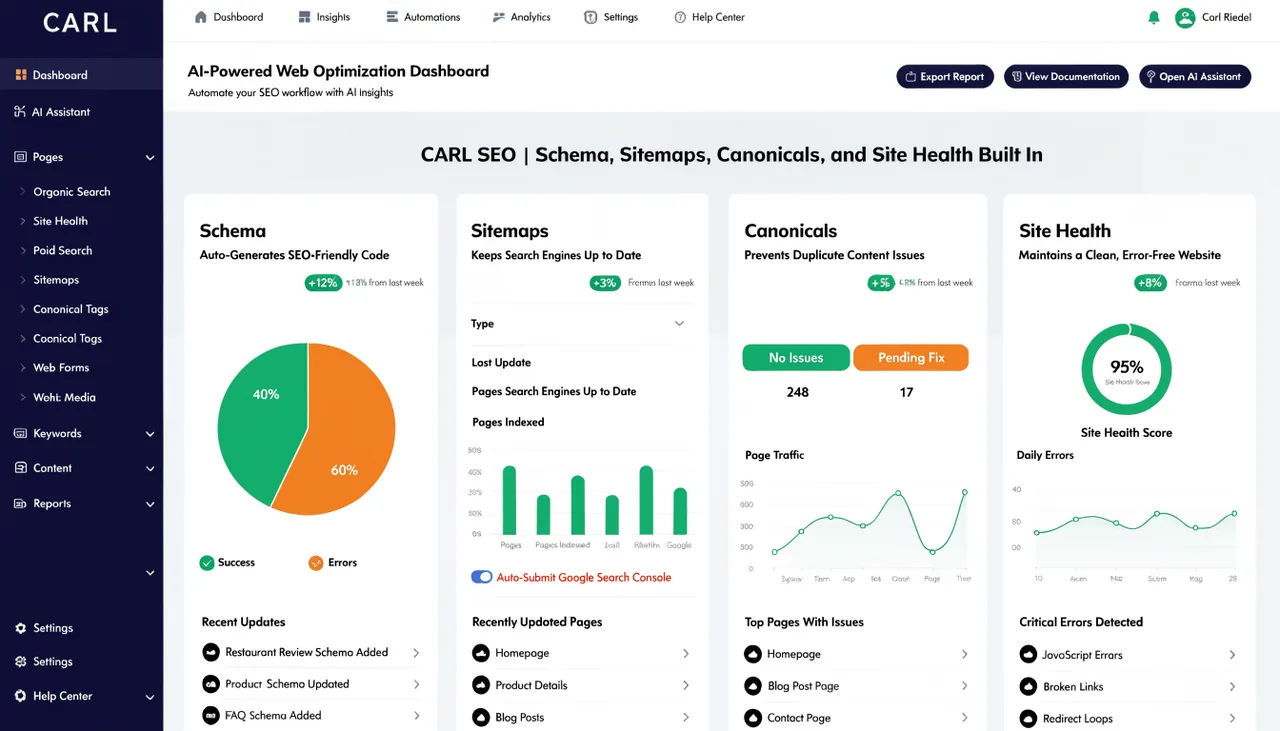
SEO
Schema markup, XML sitemaps, canonical URLs, Open Graph tags, RSS feeds, and the Site Health checker — all built in with no SEO plugin required.

Content and Media
Automatic image optimization and WebP conversion on upload, and the hub renderer that generates article card grids dynamically from your published pages.
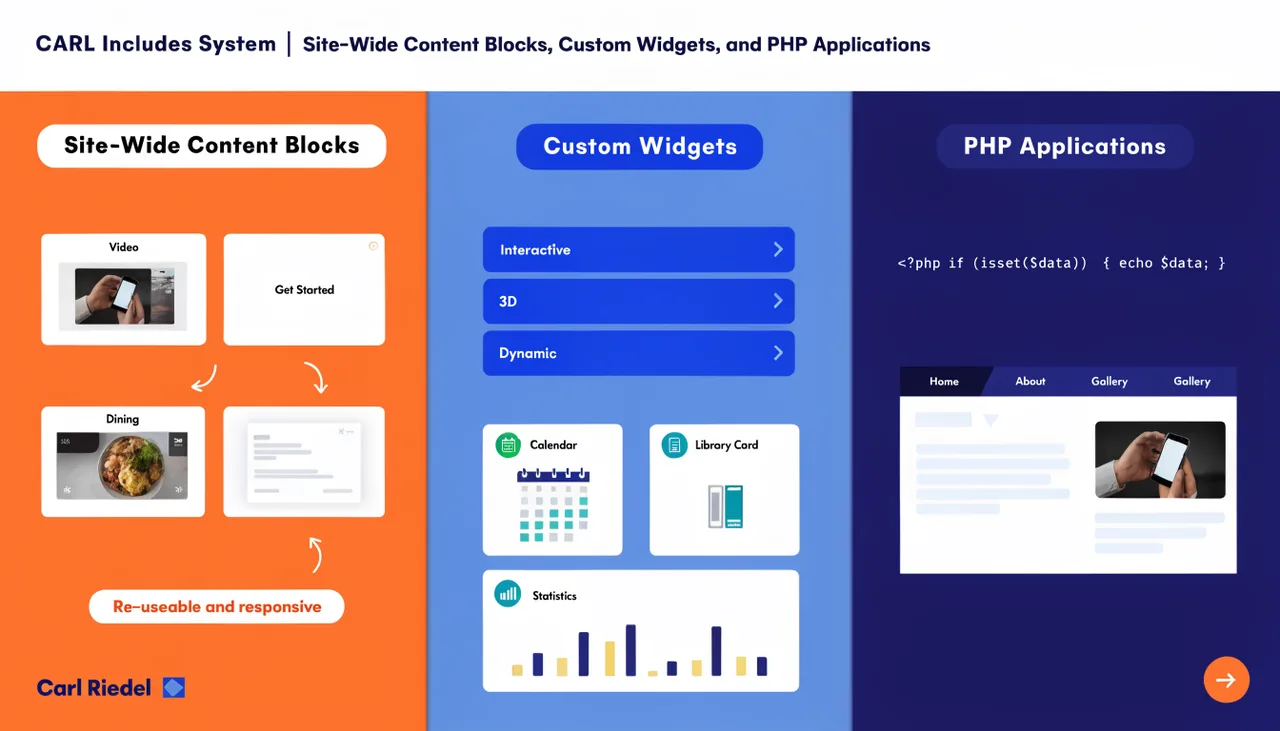
Includes System
Site-wide content blocks, custom widgets, and full PHP applications deployed from a single file. Headers, footers, lead gen forms, and everything in between.
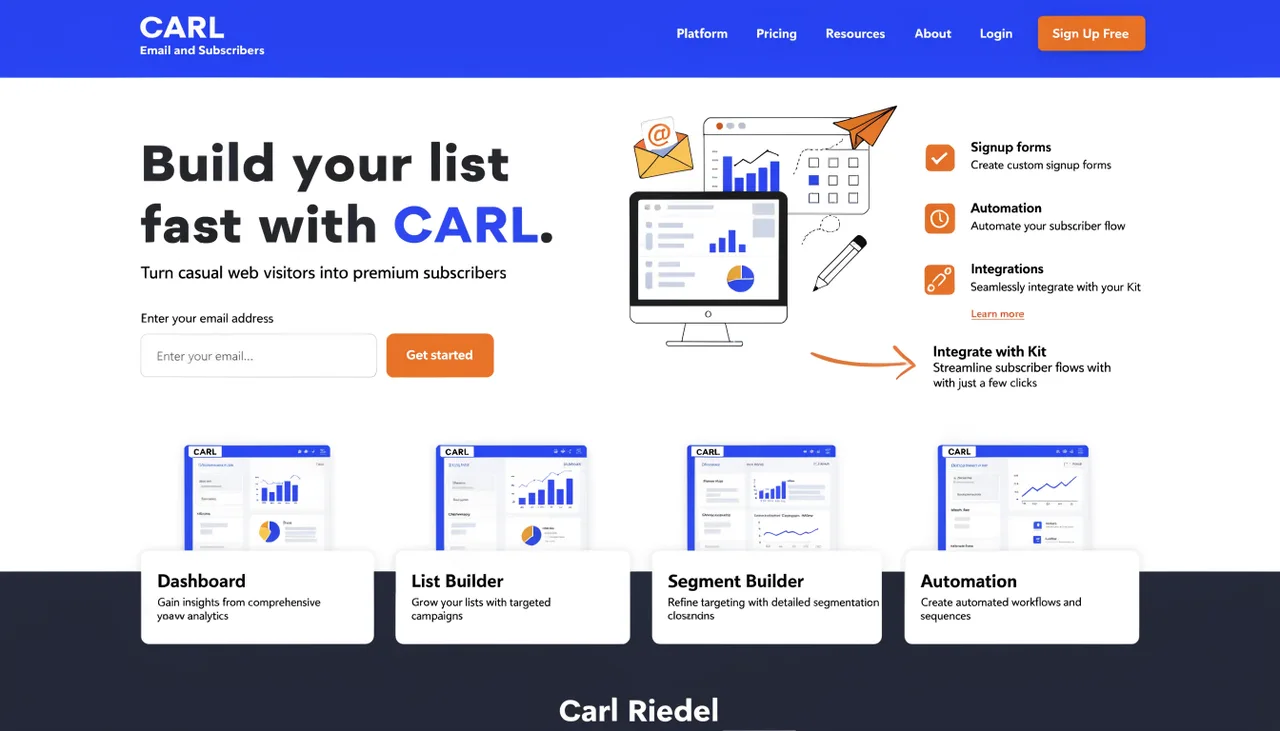
Email and Subscribers
Built-in subscriber management, signup form embedding, and direct Kit integration that pushes new subscribers to your list the moment they sign up.
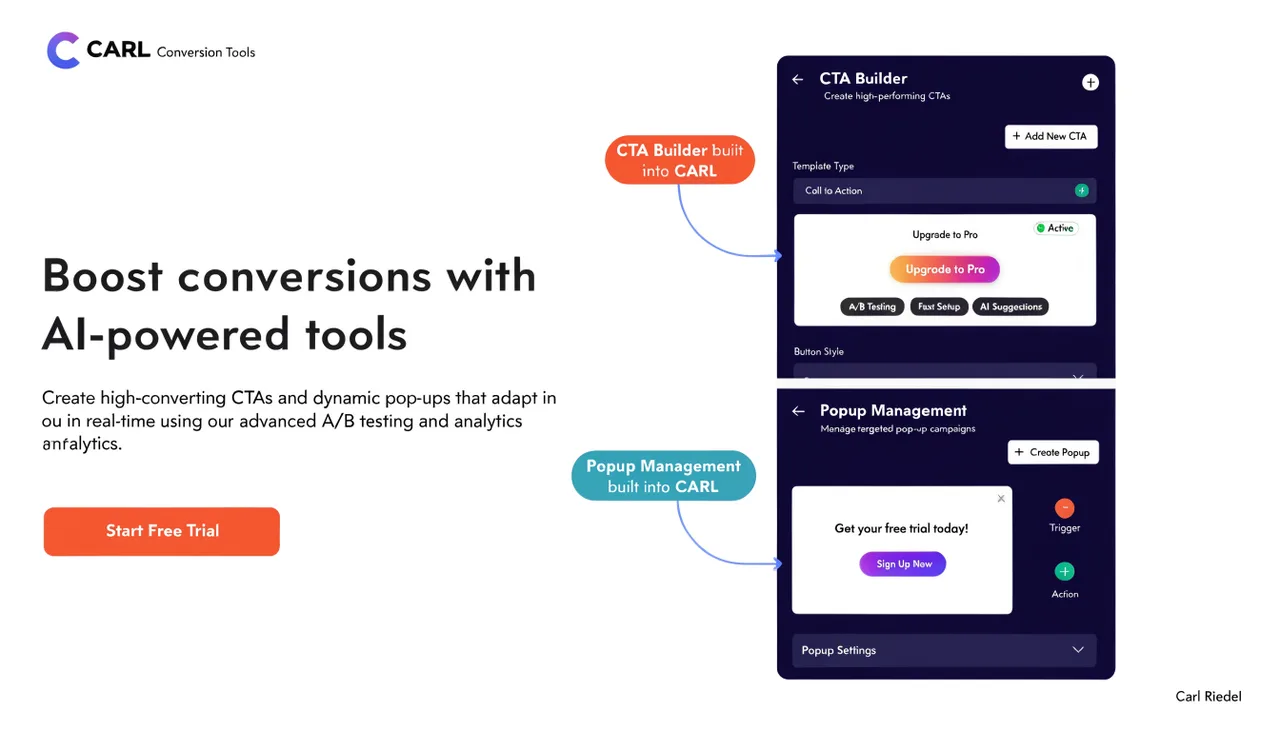
Conversion Tools
CTA Builder and Popup Manager built in. Create once, assign to any page, and update every instance across your site with a single bulk regenerate.
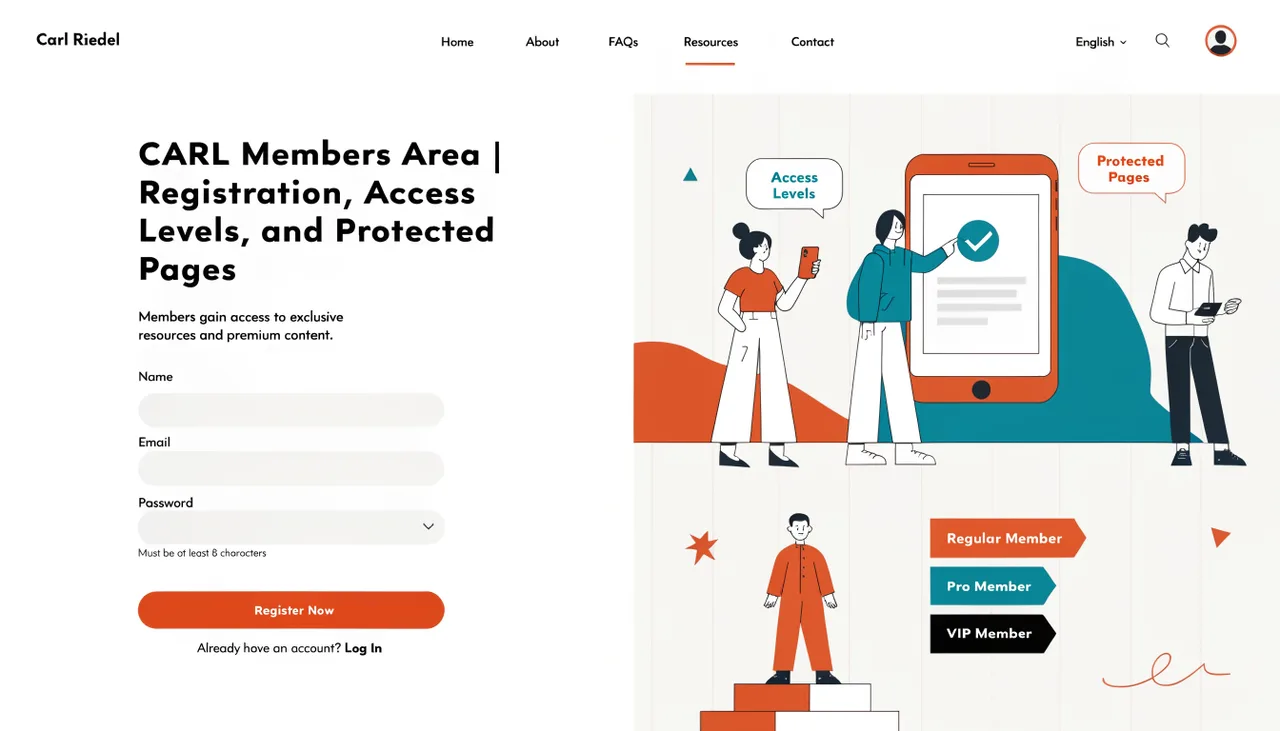
Members Area
Built-in membership with free and premium access tiers. Registration, login, session management, and page-level access control with no third-party platform required.
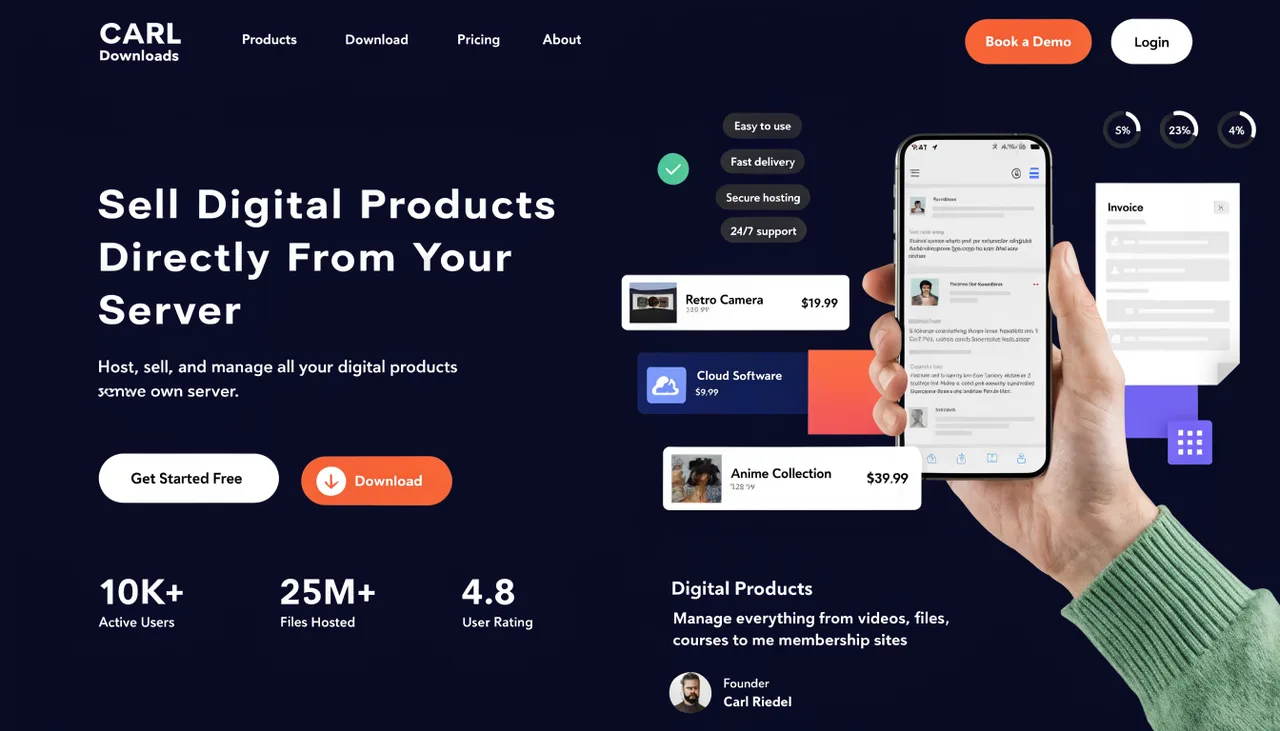
Downloads
Sell digital products directly from your server. Covers secure file delivery, download tokens, PayPal webhook integration, and product page setup.
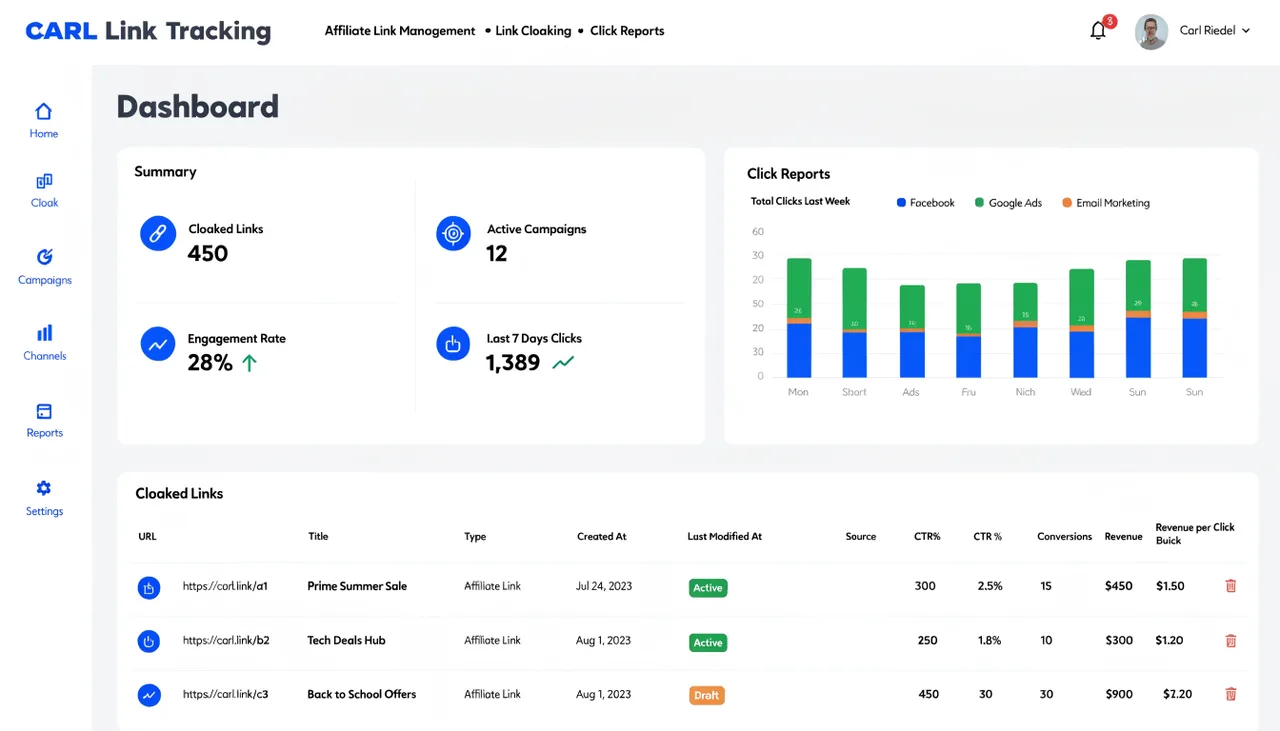
Link Tracking
Affiliate link management, cloaking, and click reports all running on your own server. Organize links into groups, filter bots, and export the full click log.
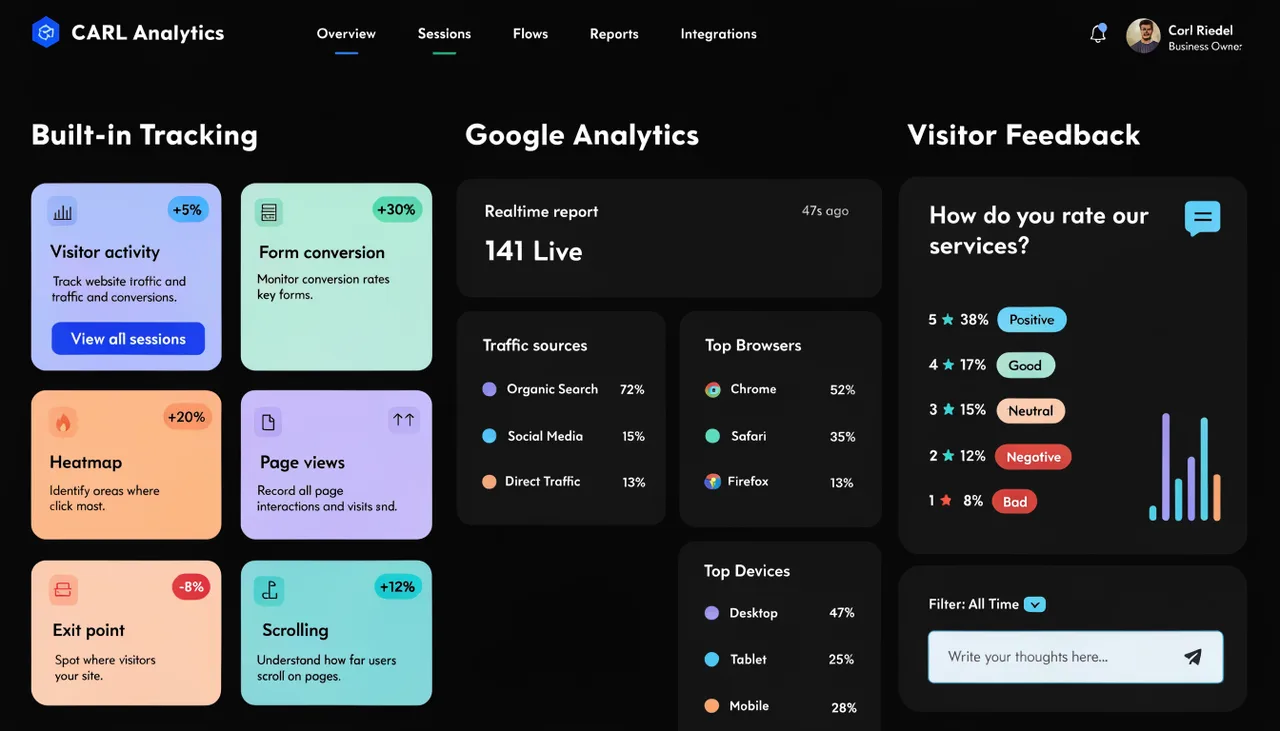
Analytics
Built-in visitor tracking with no third-party service required, clean GA4 integration through a single include file, and a visitor reaction system for every page.
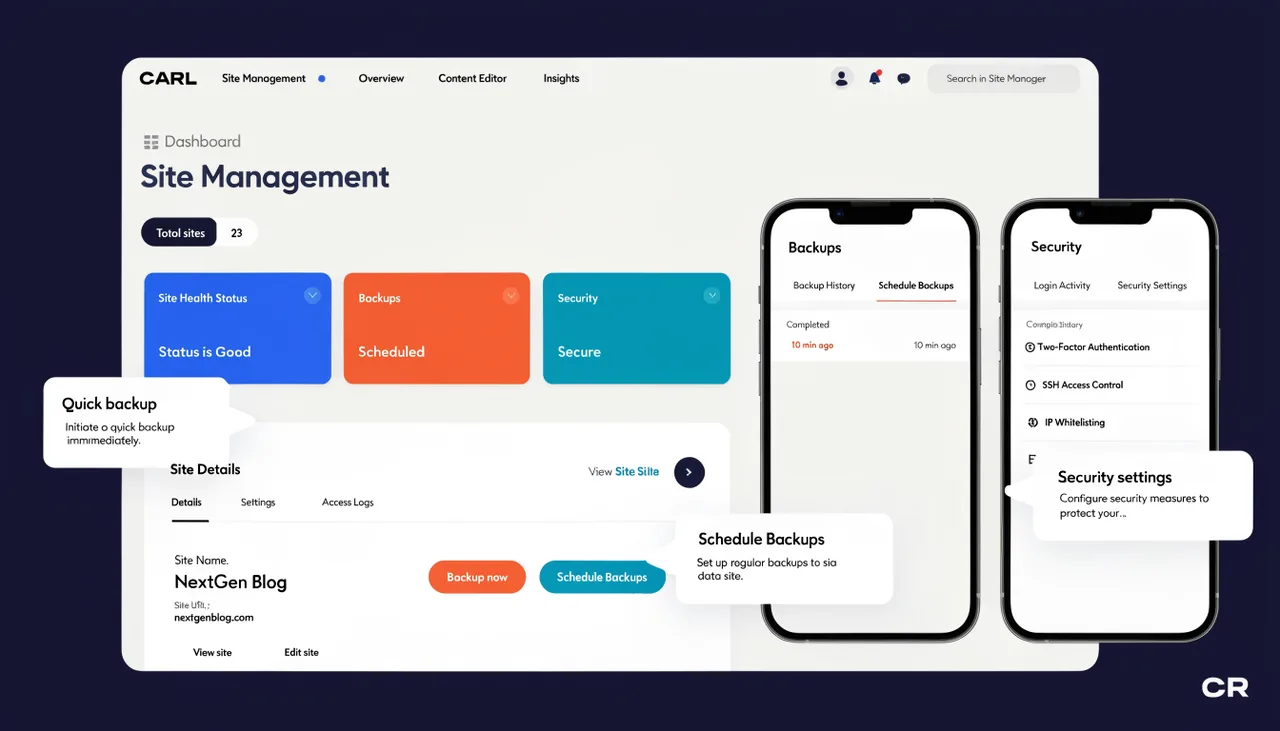
Site Management
Full site backups stored above the web root, scheduled publishing that fires automatically, and admin authentication with no public attack surface.